
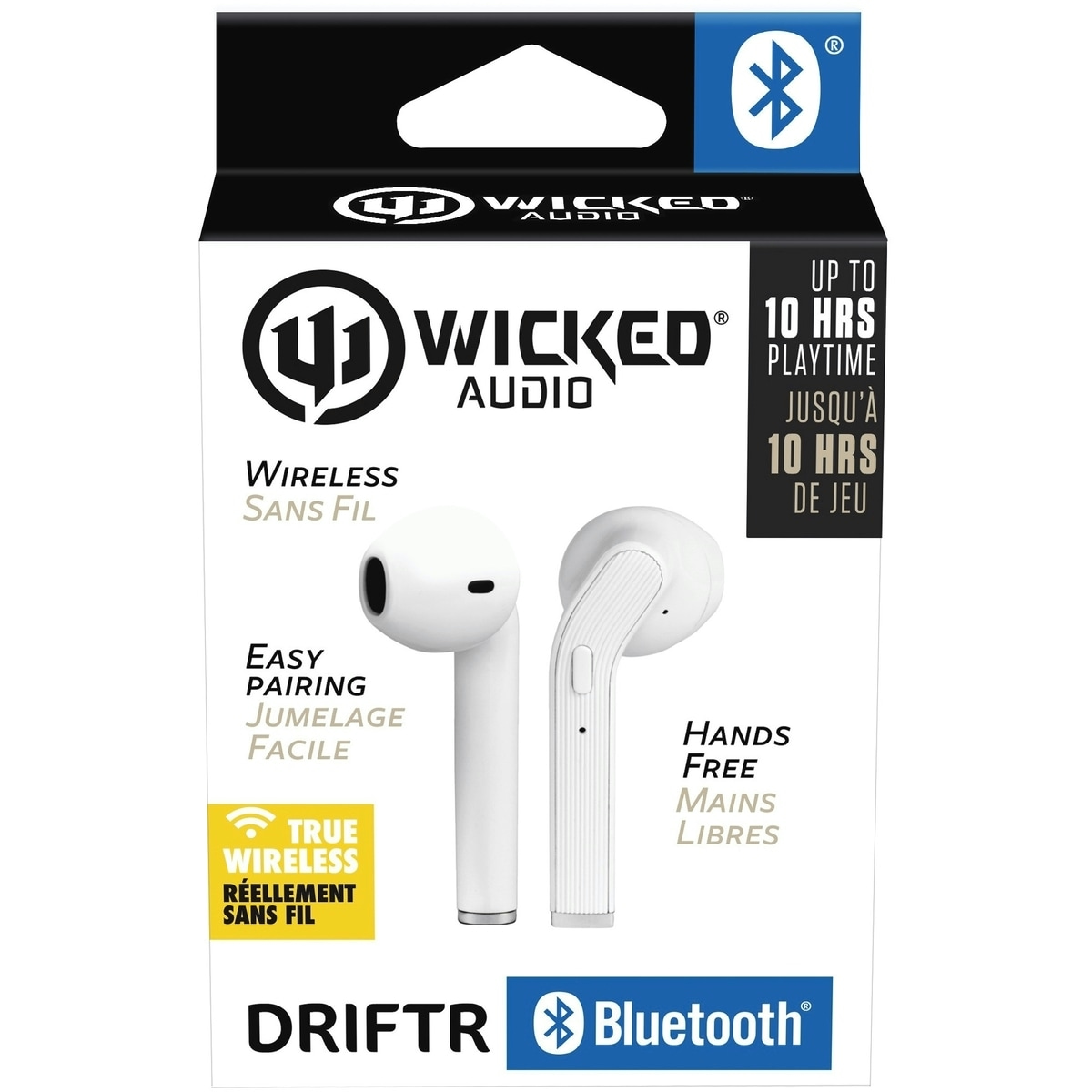
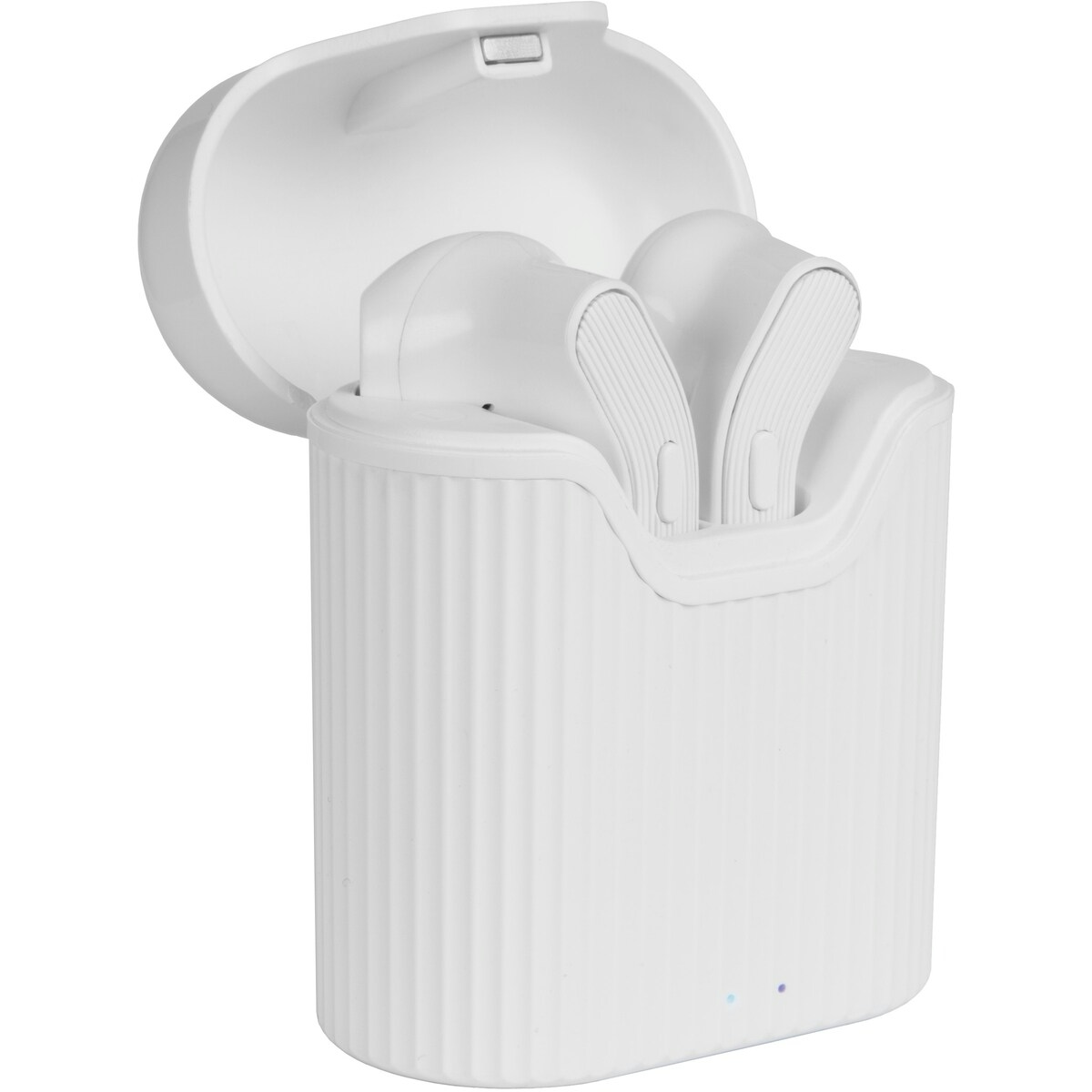
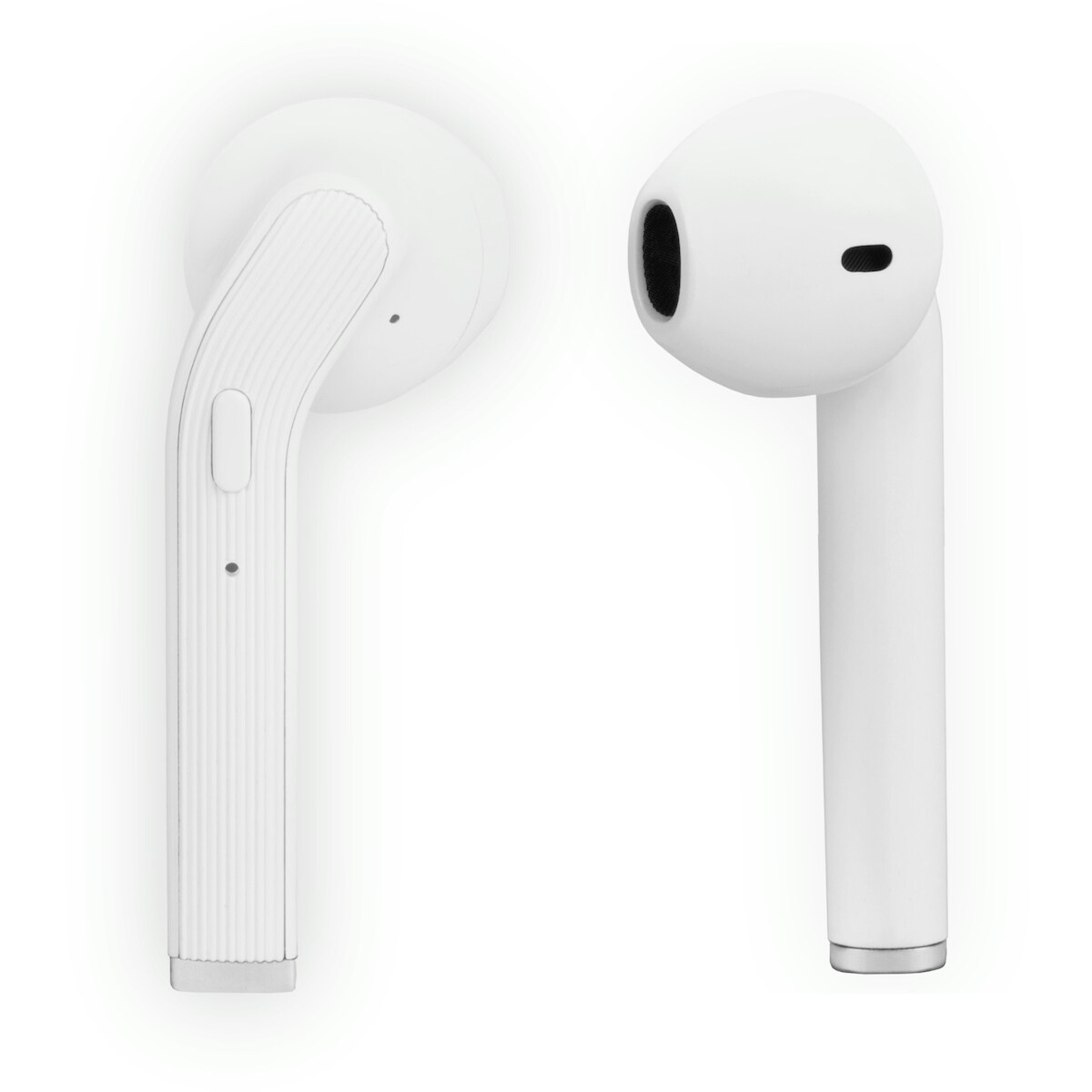
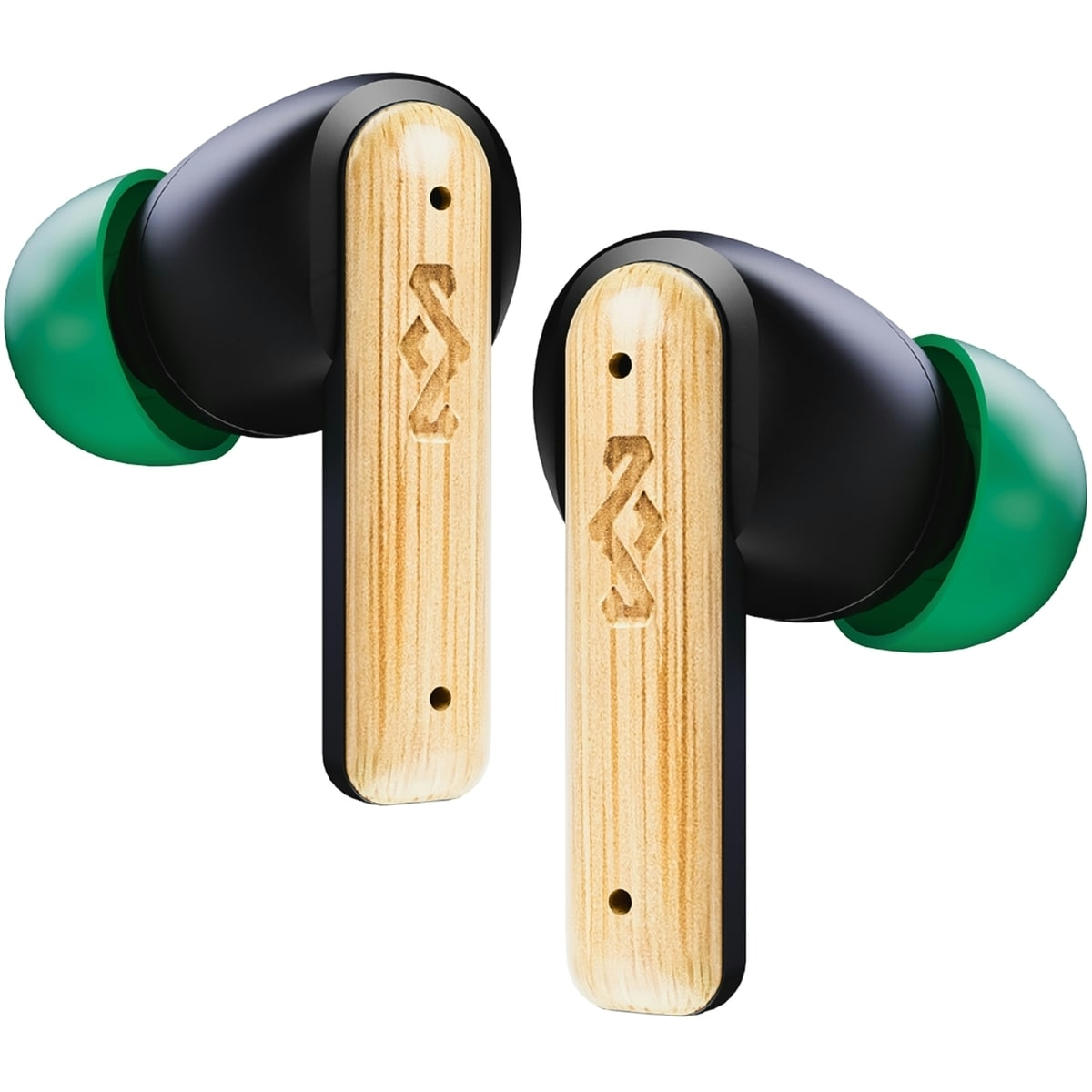
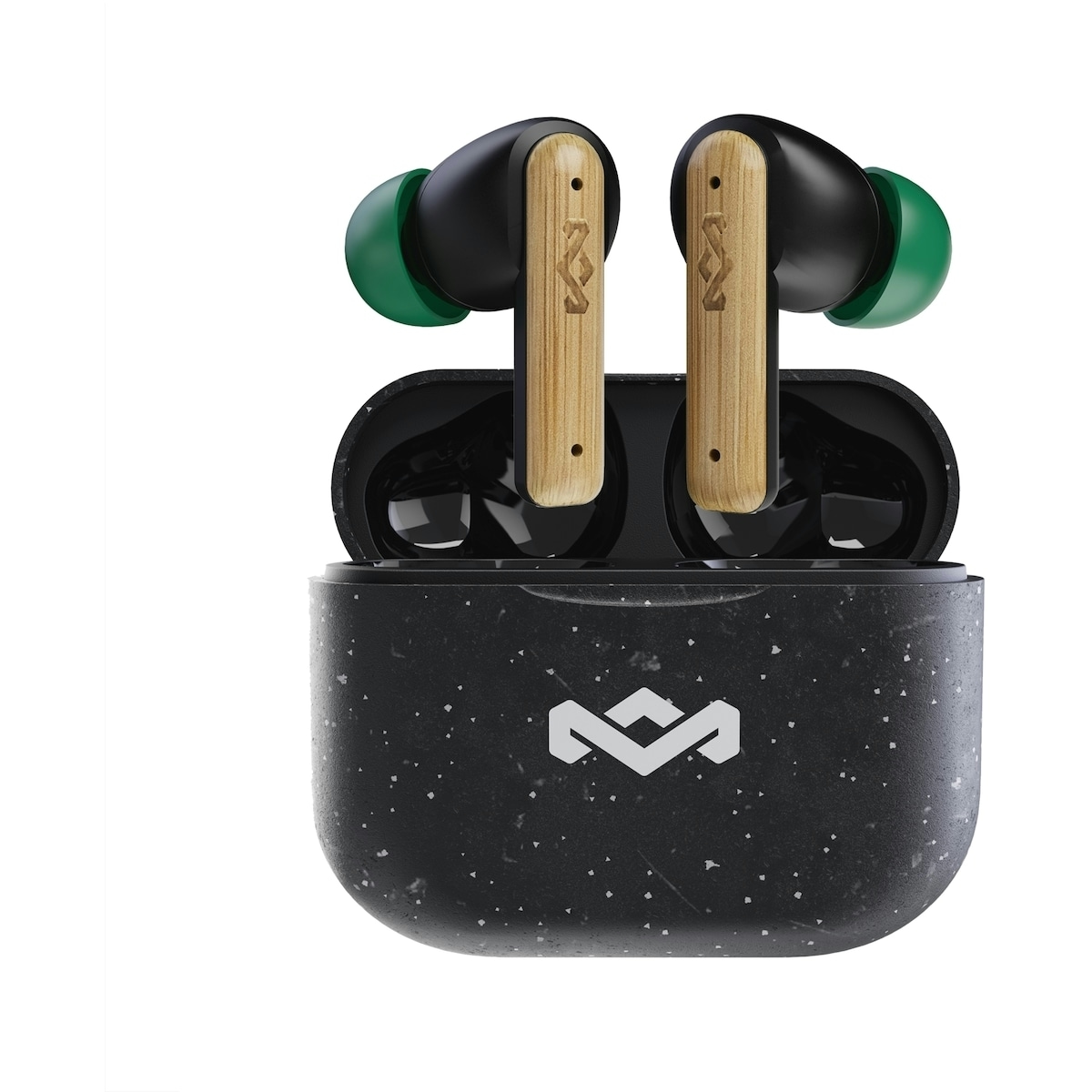
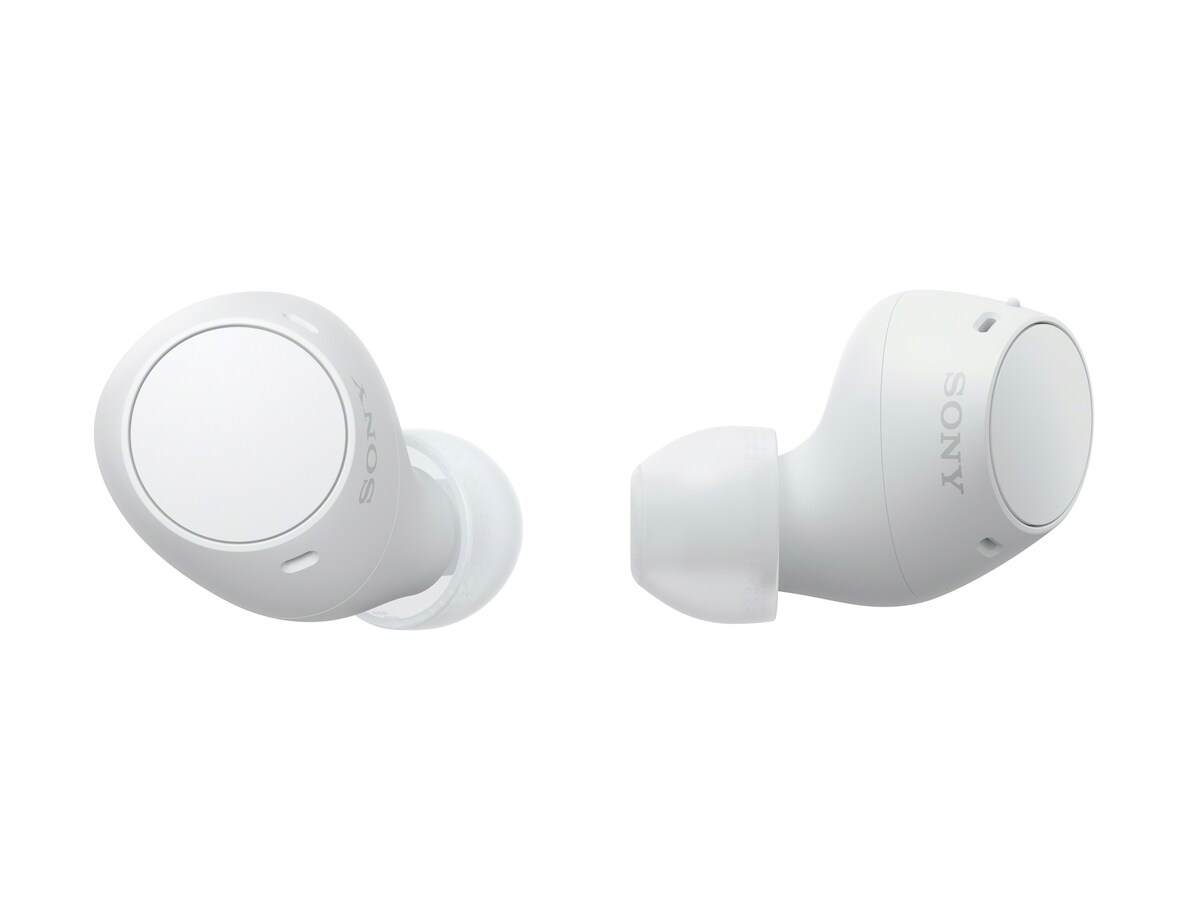
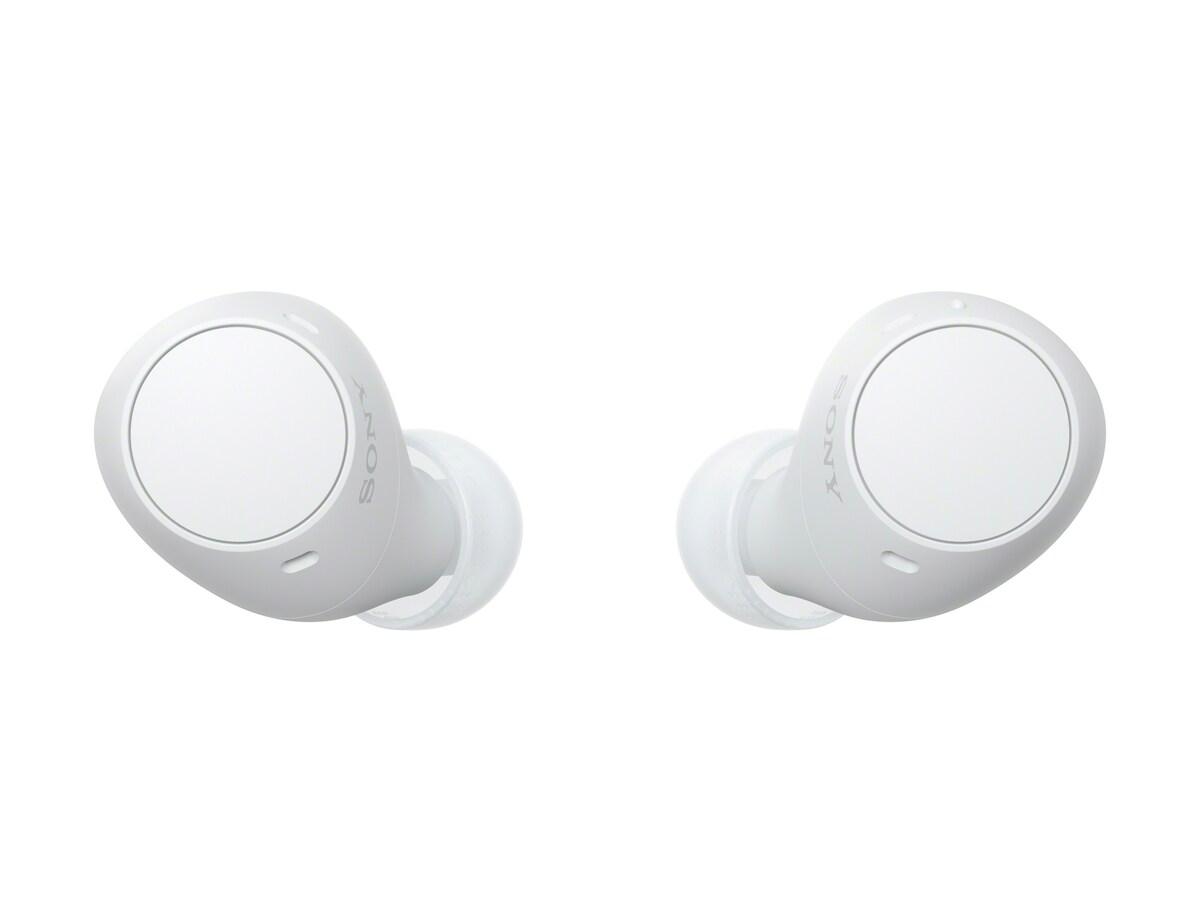
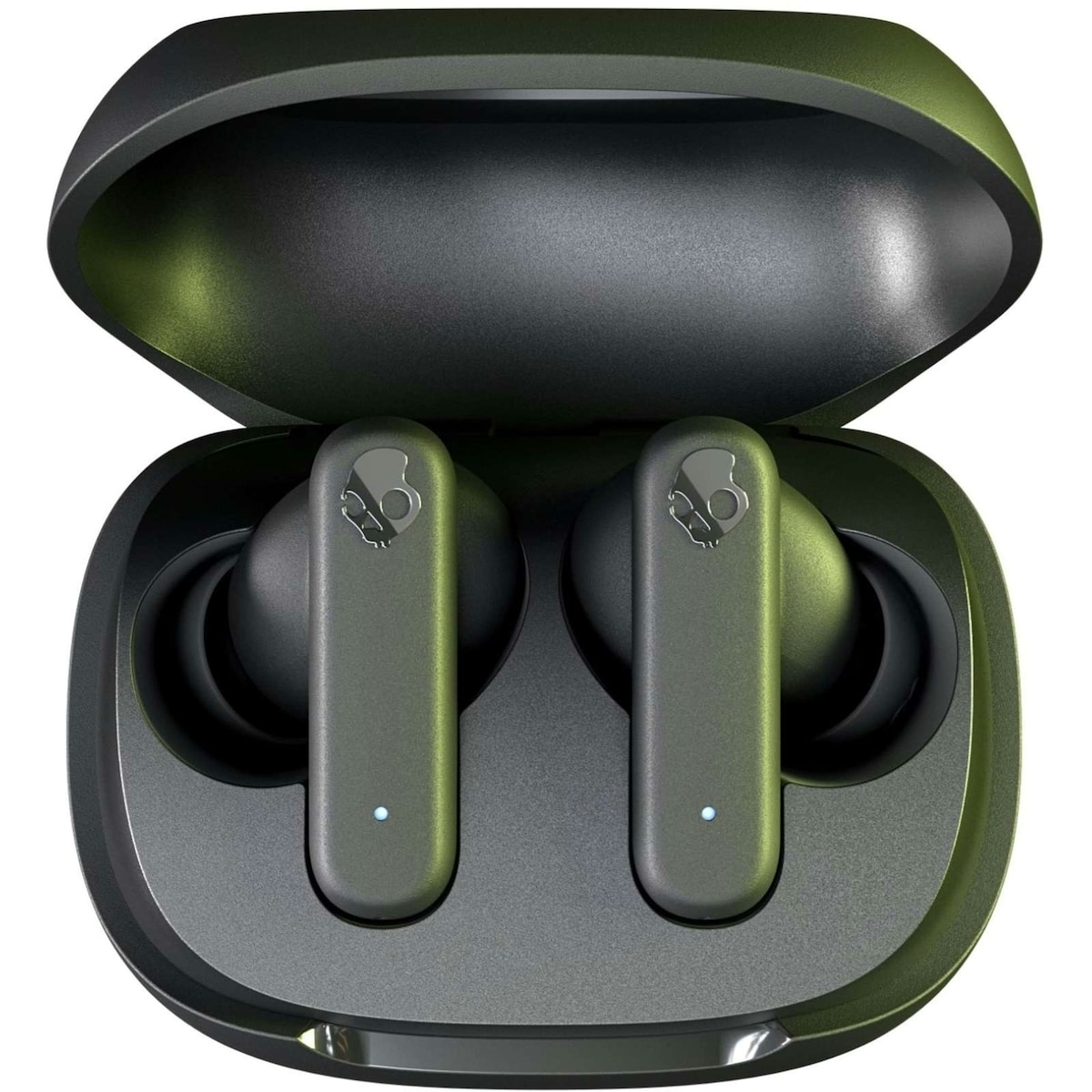
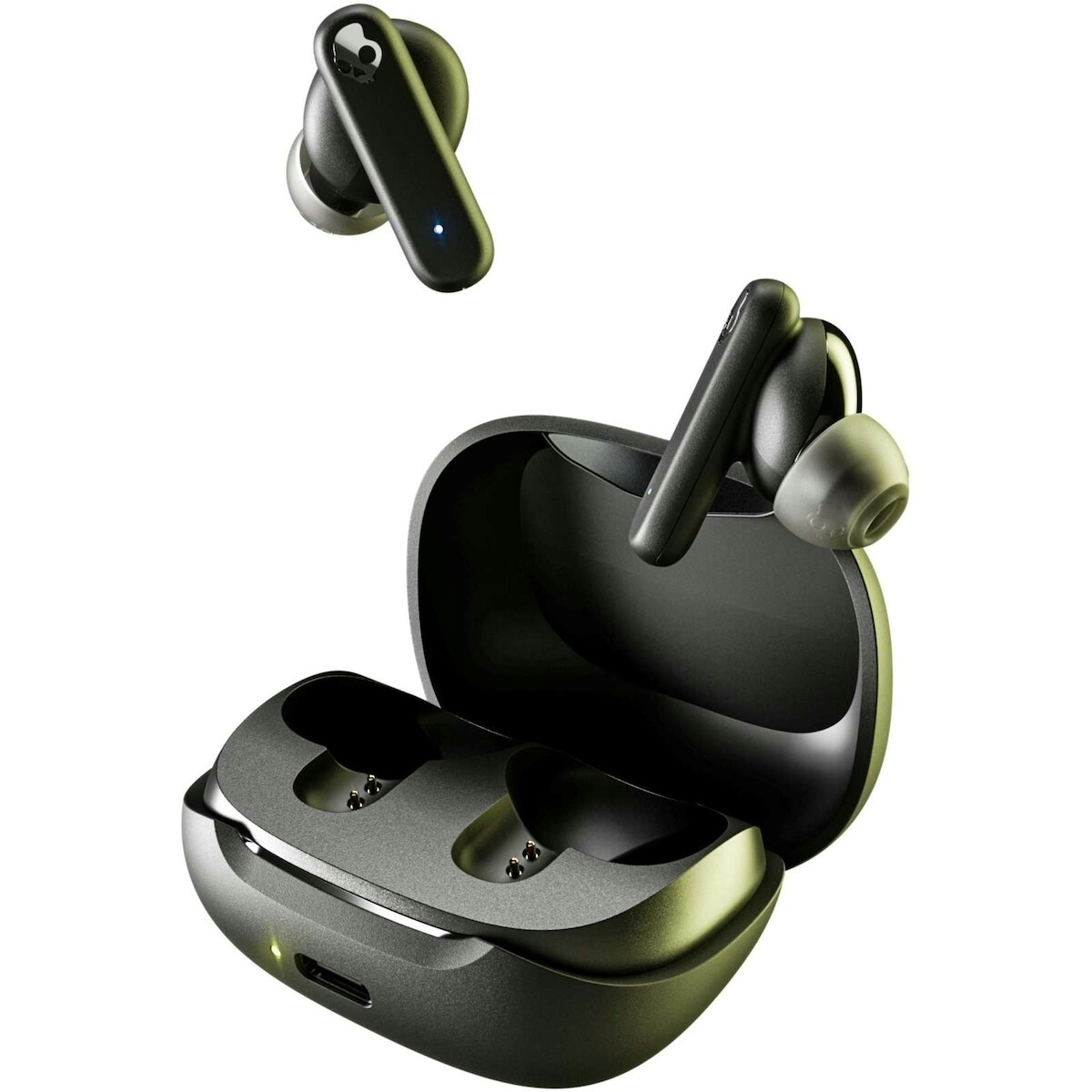
Driftr True Wireless Earbuds by Wicked deliver high fidelity sound with hands free control, making everyday listening more convenient for on-the-go users. This variant, Driftr True Wireless Earbuds, is designed to fit seamlessly into your tech setup and keep you connected without cords or clutter. Expect reliable wireless performance and easy mic and track navigation for calls, music, and videos.
Key benefits
- High Fidelity Sound — enjoy crisp audio and balanced mids for music, podcasts, and calls.
- Mic & Track Control — manage calls and playback with intuitive controls on the earbuds themselves.
- Hands Free — take calls and issue commands without reaching for your device.
- Volume Control — adjust sound levels directly from the earbud surface for quick listening tweaks.
- Wireless Convenience — enjoy true wireless freedom with a compact, portable case.
Key components and how they help you
- High Fidelity Sound — engineered drivers and acoustics deliver clear, immersive audio for most genres.
- Mic & Track Control — built-in microphone and detection sensors provide responsive control during calls and media playback.
- Hands Free Design — simplifies multitasking while commuting, exercising, or working from home.
- Volume Control — on-ear controls let you fine-tune listening levels without pulling out your device.
Usage tips and who this is for
This product is ideal for listeners who want true wireless convenience without sacrificing audio quality. It suits daily commutes, workouts, and remote calls. To maximize experience, keep the charging case charged and ensure the earbuds are paired with your device following the included instructions. If you are new to wireless earbuds, start with a low volume to gauge fit and comfort, then adjust to your preferred level. Follow the included product instructions for charging and pairing steps.
Driftr True Wireless Earbuds are designed for users who value mobility, hands-free control, and reliable audio performance. For best results, store in the charging case when not in use and avoid exposure to extreme temperatures. If you have sensitivities to earbuds, test for comfort on a clean ear canal before extended use.
How to use Driftr True Wireless Earbuds
A quick guide to pairing, controlling, and maintaining your earbuds.
-
Charge and power
Place the earbuds in the case to charge and power on as directed by the included instructions.
-
Pair with device
Turn on Bluetooth on your device, select Driftr True Wireless Earbuds from the list, and complete the pairing process.
-
Control playback
Use the built-in controls to play/pause, skip tracks, and adjust volume as needed.
-
Make a call
Use the mic control to answer or end calls and manage calls hands-free.
-
Safety and care
Keep software updated, avoid extreme temperatures, and store in the case when not in use. Do not expose to moisture beyond normal usage.
Frequently Asked Questions
What is the main benefit of these wireless earbuds?
They provide high fidelity sound with hands-free mic and track control, plus on-ear volume adjustment, all in a true wireless design.
Who is this product best for?
It’s ideal for listeners who want mobility and convenient controls for calls and media while on the go.
Are there any safety precautions I should follow?
Follow the included product instructions for charging and pairing. Use at reasonable volumes to avoid ear discomfort, and keep the earbuds away from small children when not in use.
How should I store these when not in use?
Store in the charging case when not in use to maintain battery life and protect the earbuds from damage.
Can I use these for calls and video conferencing?
Yes, the built-in microphone supports calls and video conferencing, and the controls help manage playback and calls without handling your device.







Reviews
There are no reviews yet.