
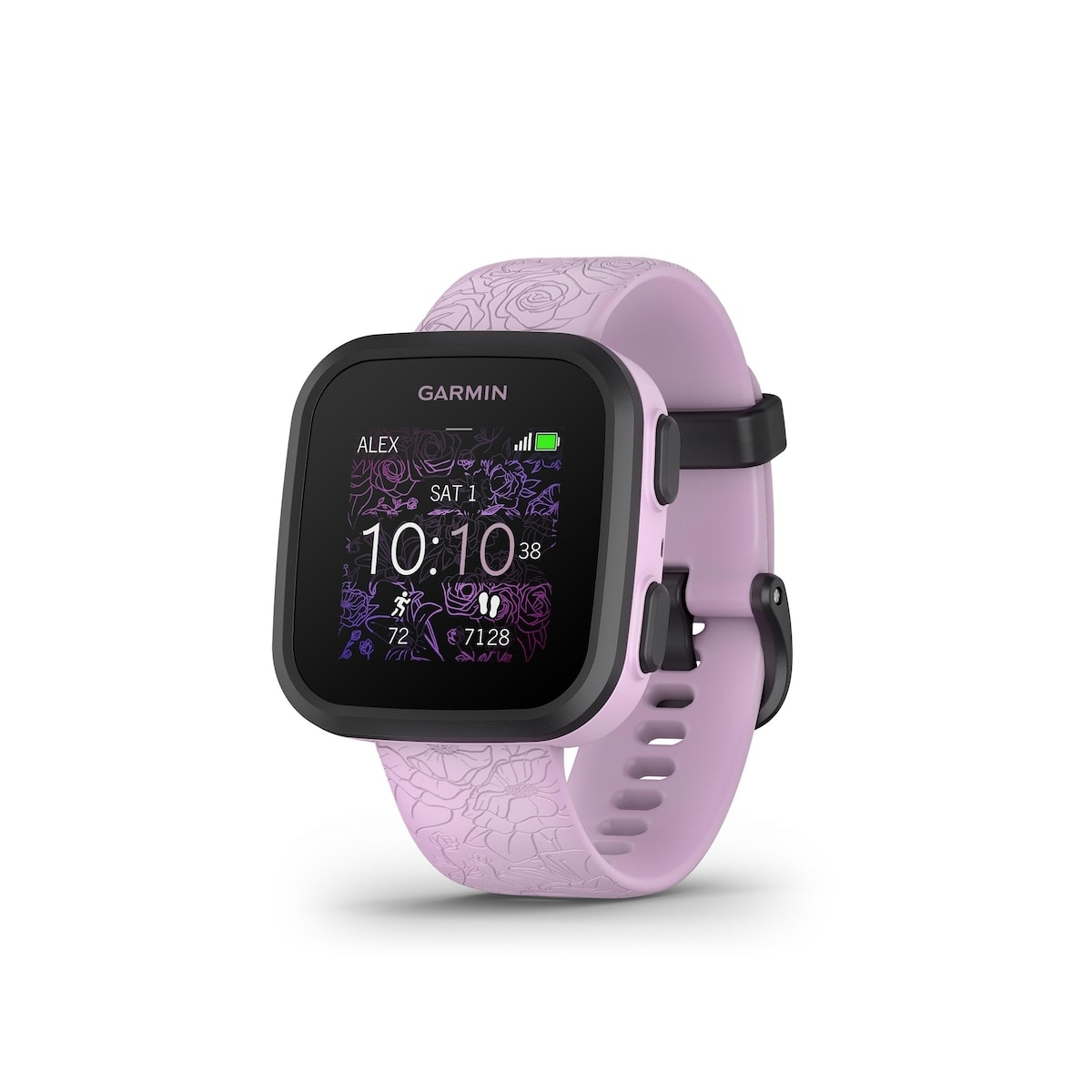
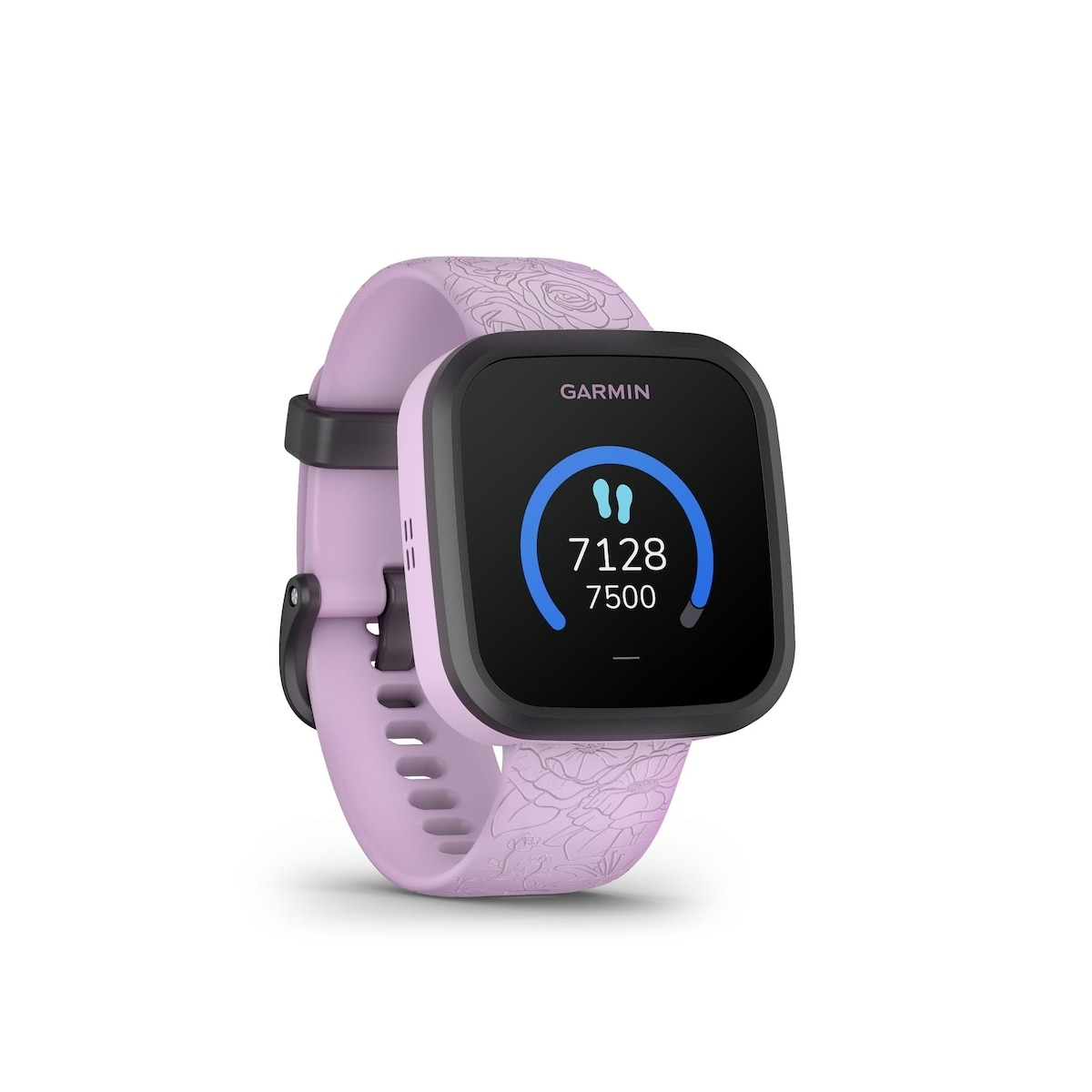
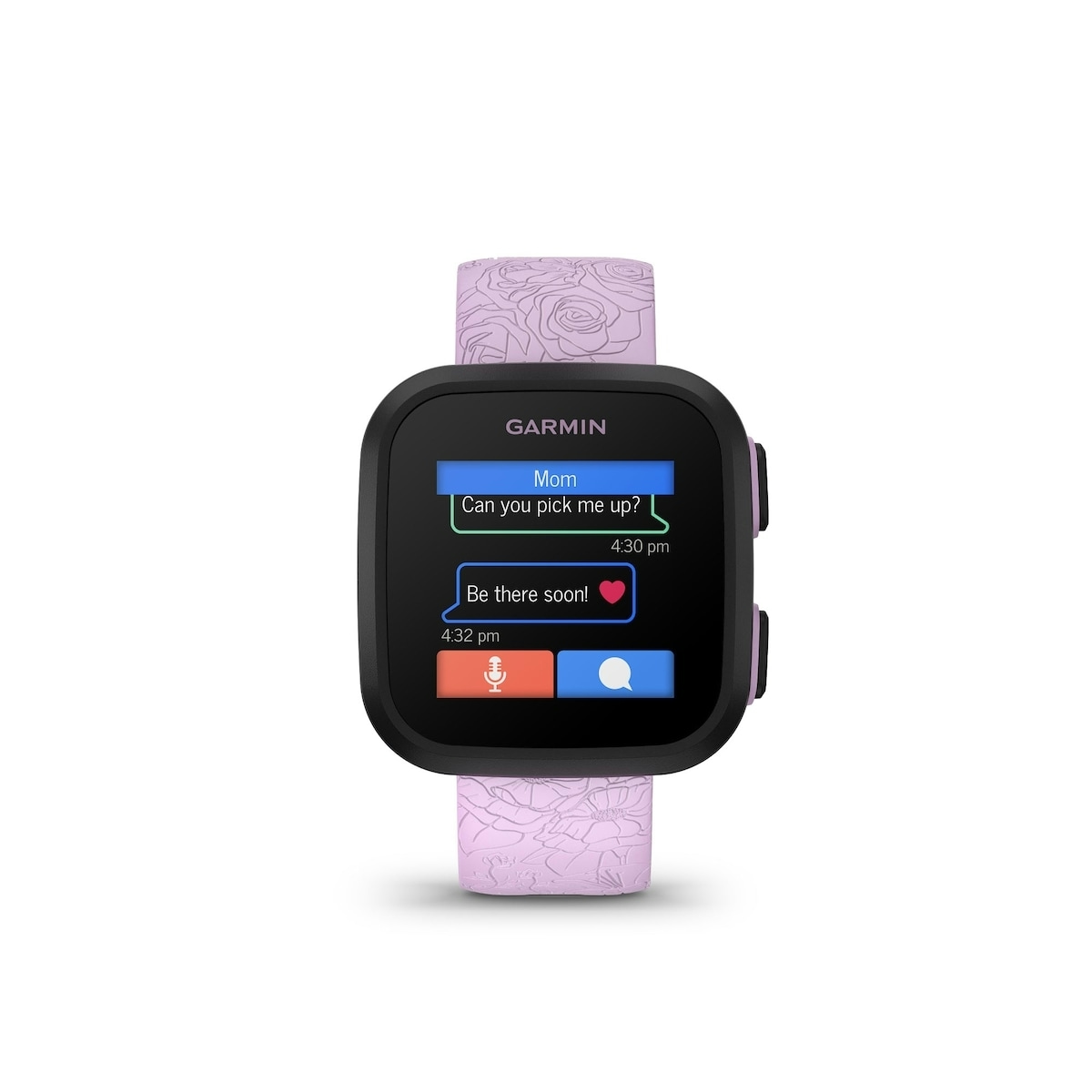
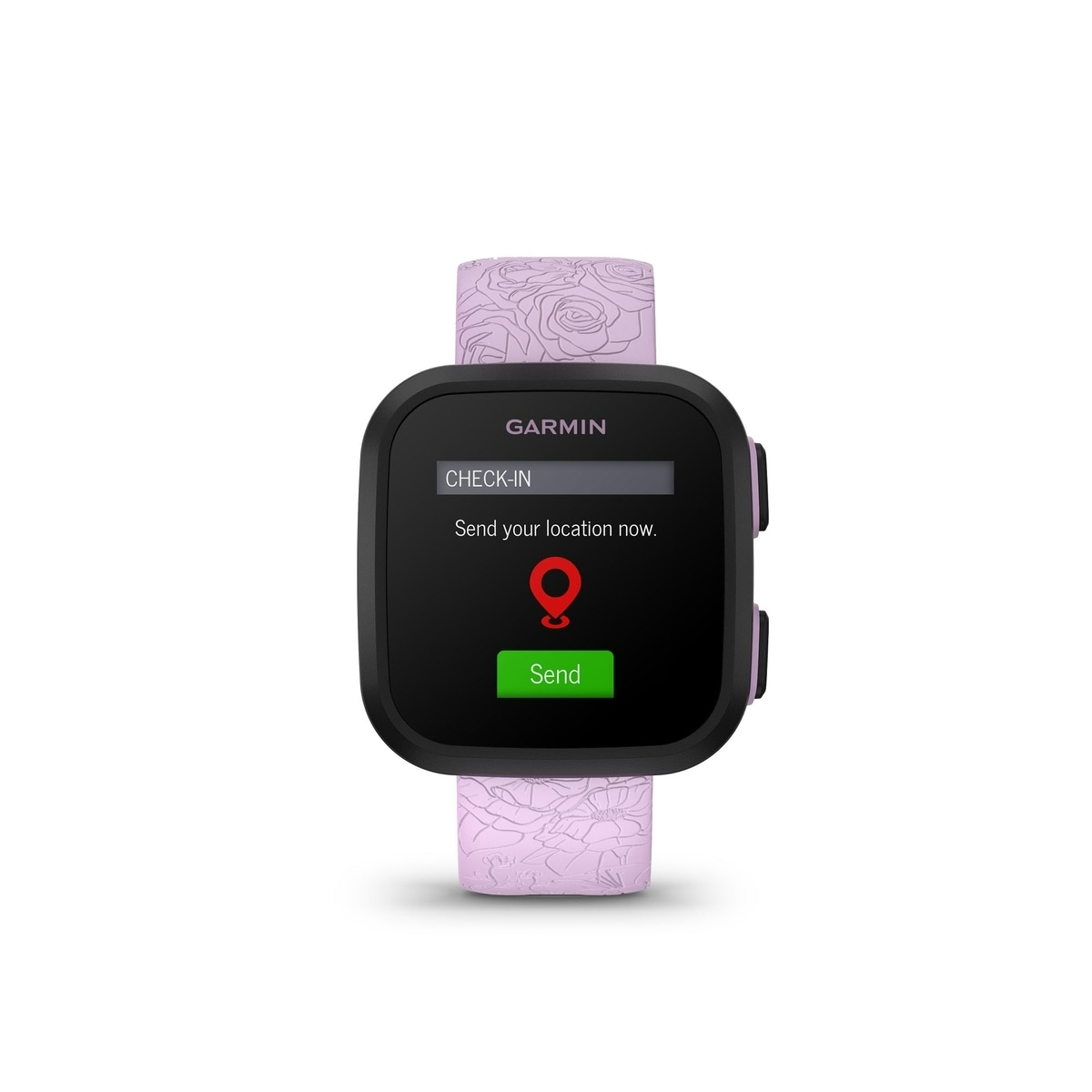
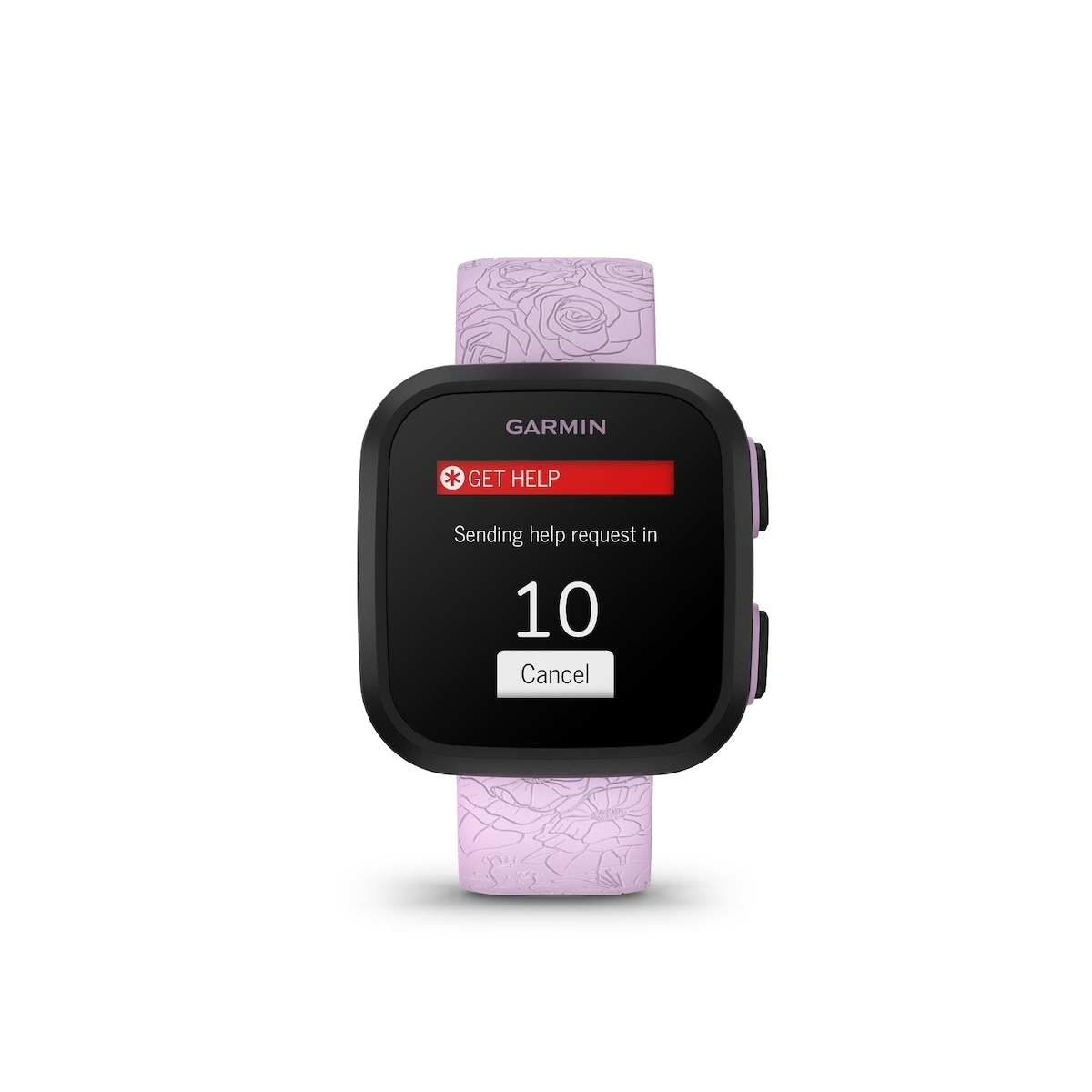
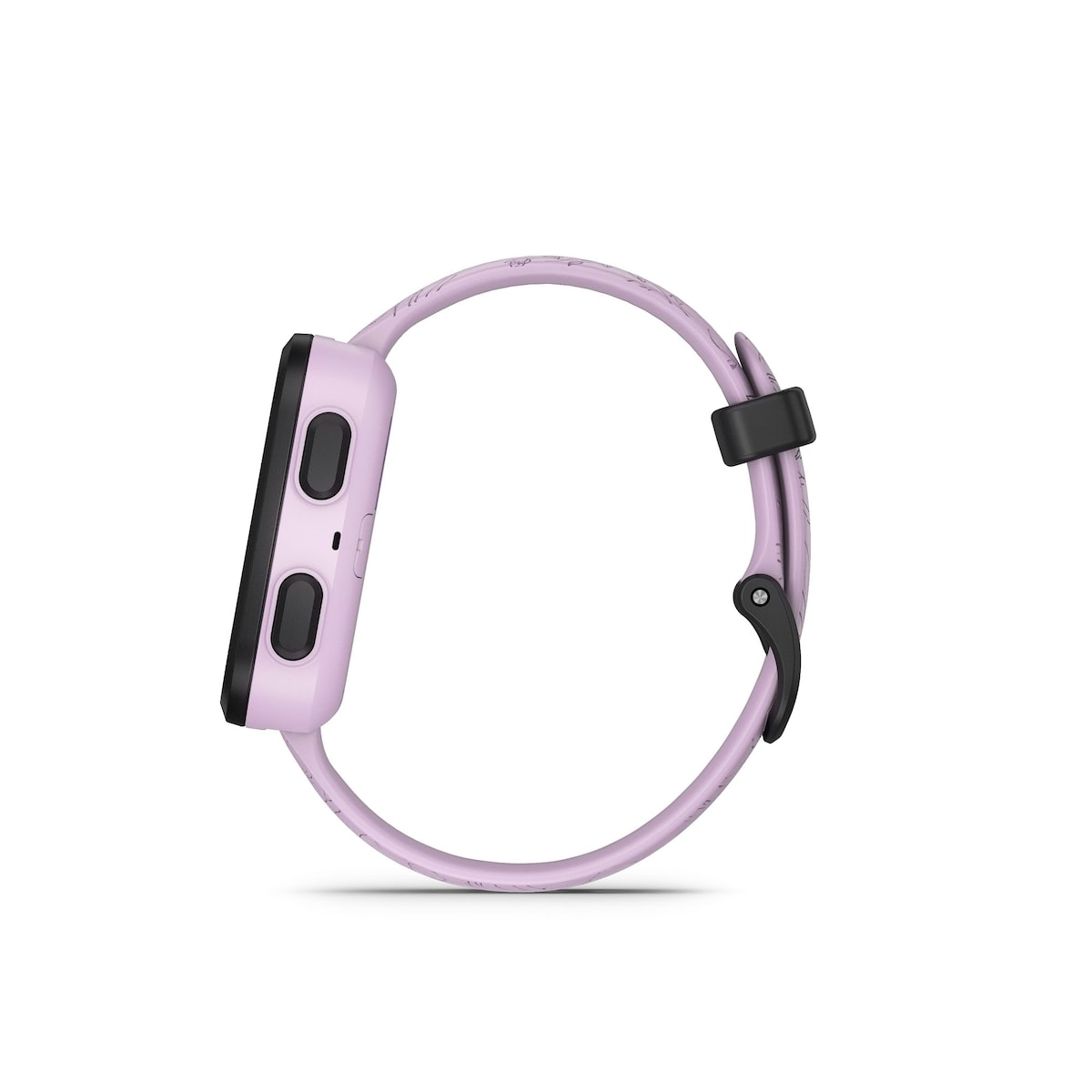
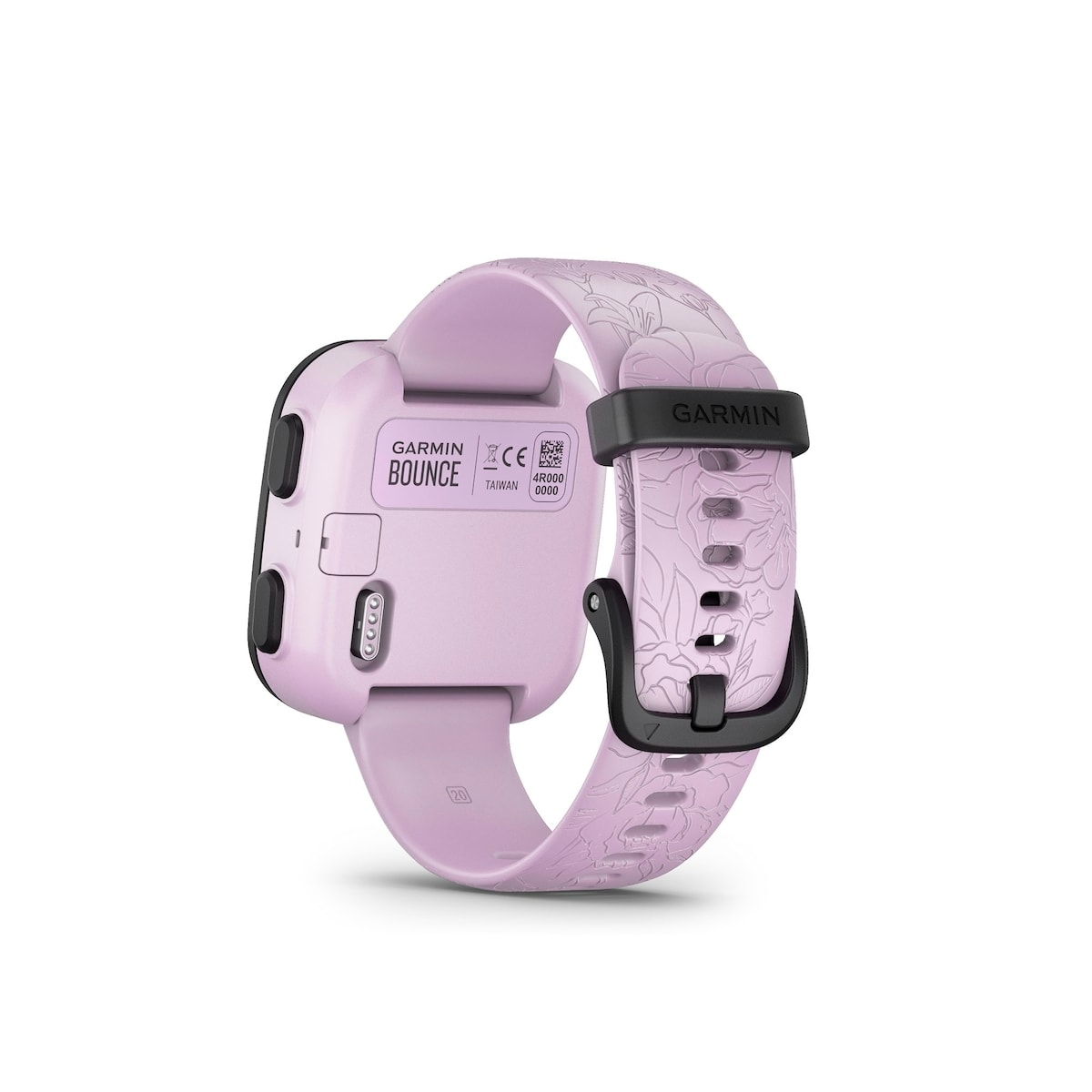
The Garmin Bounce Smartwatch for kids is a connected timepiece that gives families peace of mind with real-time location tracking, two-way text and voice messaging, and an engaging suite of activity features. The Bounce – Lilac Floral variant combines durable design with a kid-friendly color display and LTE connectivity to stay in touch without a traditional smartphone. It’s ideal for families looking to delay a first smartphone purchase while keeping kids active and connected.
Key benefits
- LTE connectivity — stay in touch with your child using two-way text and voice messaging through the Garmin Jr. app, with reliable location sharing on the go.
- Real-time location tracking — see your child’s whereabouts in the Garmin Jr. app and receive alerts when they enter or leave defined areas.
- Two-way text and voice messaging — send messages and receive responses from your kid’s Bounce with preset replies or voice notes.
- Activity and health tracking — monitor steps, sleep, and other activities to encourage healthy habits, even during adventures.
- Engaging learning and play — built-in games, quizzes, and adventure challenges motivate kids to stay active and curious.
Ingredients / key components
- LTE connectivity — enables communication and live location features via an active subscription plan.
- Garmin Jr. app — central control for messaging, location, check-ins, and activity tracking for parents and guardians.
- Color display — easy-to-read visuals on bright days with customizable watch faces.
- Preloaded sports apps — GPS-assisted tracking of runs, walks, bikes, and laps in swimming modes.
Usage tips and who this is for
This device is designed for families seeking a safe, connected device for children who are not ready for a full smartphone. To use LTE features, an active subscription plan and LTE connectivity are required; see Garmin.com/BounceLTEcoverage for coverage details. Real-time location and check-in features help you stay informed during outings, school trips, and daily activities. The device supports up to 20 contacts managed in the Garmin Jr. app, so you can customize who can message and locate your child.
Tip: Turn on school mode or do-not-disturb during classes or nighttime to minimize distractions.
With 60 minutes of daily activity unlocking adventure, your child can earn quizzes, fitness moves, and Toe-to-Toe challenges that promote healthy exercise while exploring exciting destinations through the Garmin Jr. app.
Start the LTE connectivity subscription to stay in touch and keep the family connected during adventures like trips from ancient Greece to Mount Everest using the Garmin Jr. app.
Overall, Bounce – Lilac Floral provides a trusted pathway to grow independence without sacrificing safety or connection.
Remember to follow the included product instructions for LTE usage and safety guidelines; keep subscriptions current and ensure the device is worn as intended for accurate tracking.
How to use Bounce Smartwatch Lilac Floral
A practical guide to staying connected with your child through LTE messaging, location sharing, and activity tracking.
-
Set up the Garmin Jr. app
Download the Garmin Jr. app, create an account, and add your child’s Bounce to start messaging and location sharing.
-
Activate LTE subscription
Start the LTE connectivity plan and verify coverage in your area to enable real-time location and messaging features.
-
Configure contacts and settings
In the app, assign up to 20 contacts, turn on school mode when needed, and customize alerts for check-ins and geofence boundaries.
-
Encourage activity
Use the preloaded sports apps to track runs, walks, and bike activities; aim for 60 minutes of daily activity to unlock adventures and quizzes.
-
Safety and usage reminder
Ensure the device is worn properly during activities, monitor messages, and follow the product instructions for LTE usage and safety guidelines.
Frequently Asked Questions
Is this safe for children to use?
Yes. The Bounce smartwatch is designed for kids and includes parental controls via the Garmin Jr. app. An active LTE subscription is required for connectivity features, and safety guidance should be followed as described in the product instructions.
What should I do before enabling LTE features?
Ensure an active subscription plan and LTE connectivity are in place; refer to Garmin.com/BounceLTEcoverage for coverage details. This unlocks real-time location and two-way messaging.
How does location tracking work?
Location is shared through the Garmin Jr. app and can trigger notifications when the child enters or leaves a parent-defined area, helping you stay informed during outdoor activities.
Who can contact my child on Bounce?
You can manage up to 20 contacts in the Garmin Jr. app. Assigned parents or guardians have full permissions to contact, locate, or manage the child’s Bounce; other assigned contacts can send messages from their own Bounce devices.
What activities can this device track?
The watch includes preloaded sports apps with built-in GPS to track runs, walks, and bike activities, and can log laps for swimming activities as well as other activities.






Reviews
There are no reviews yet.