
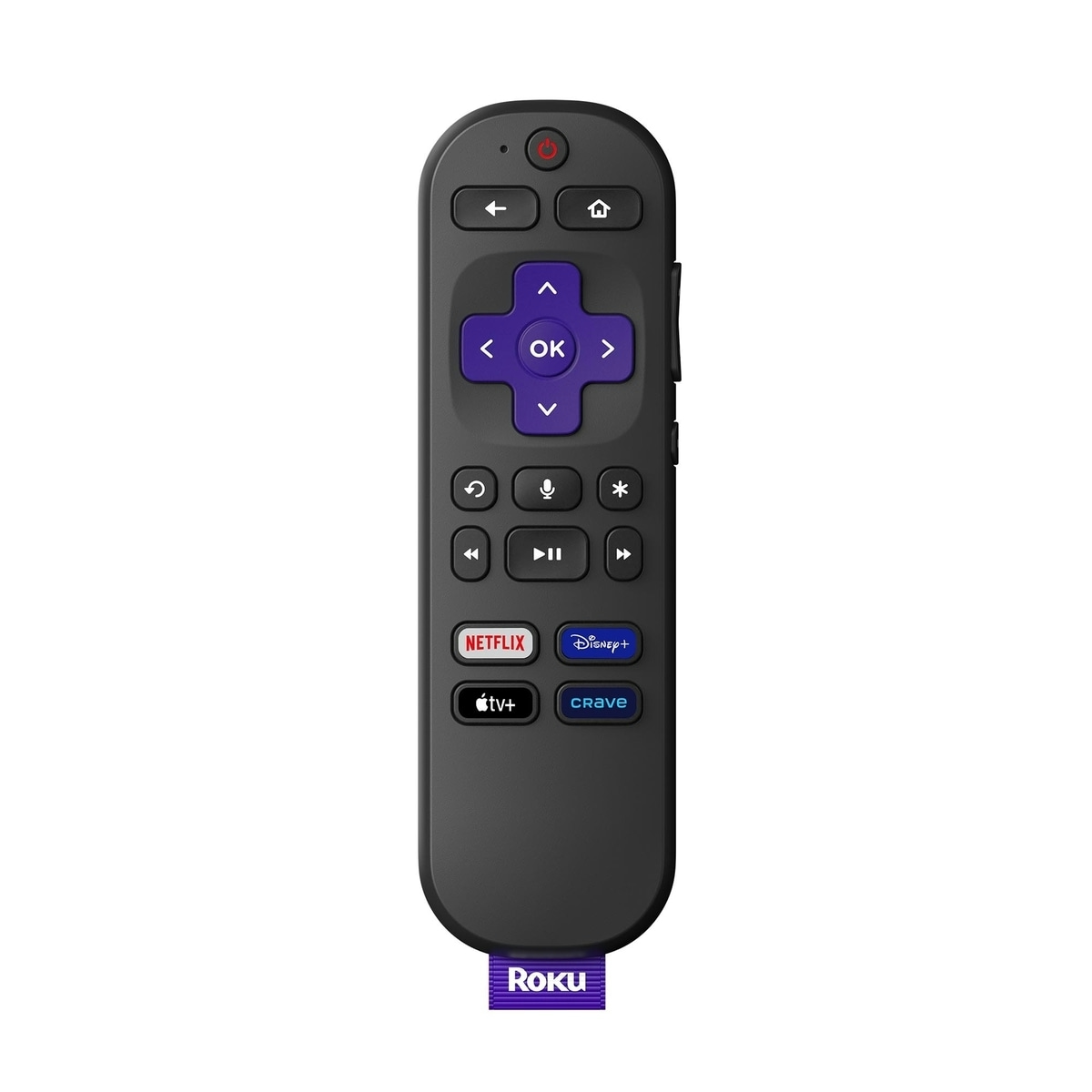
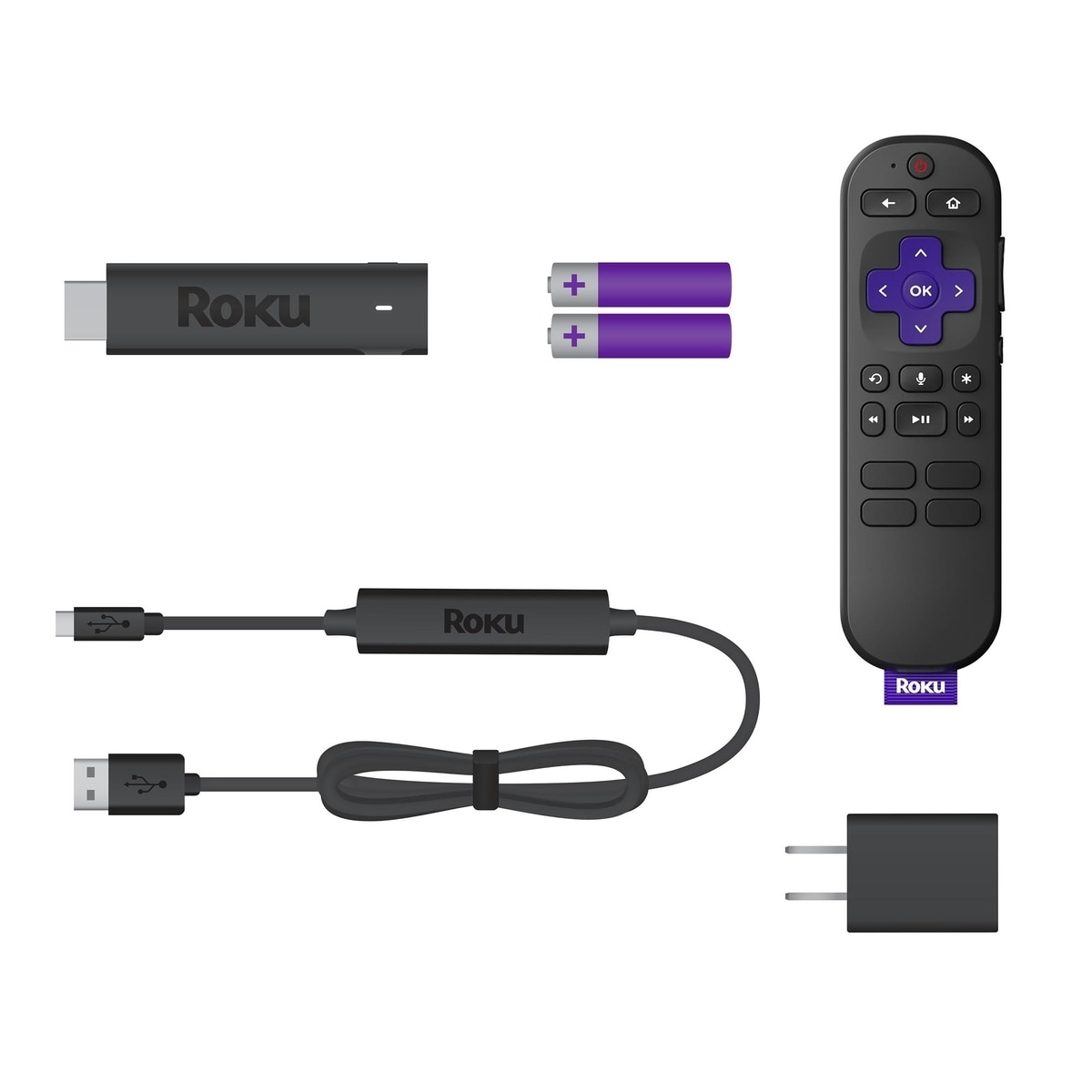
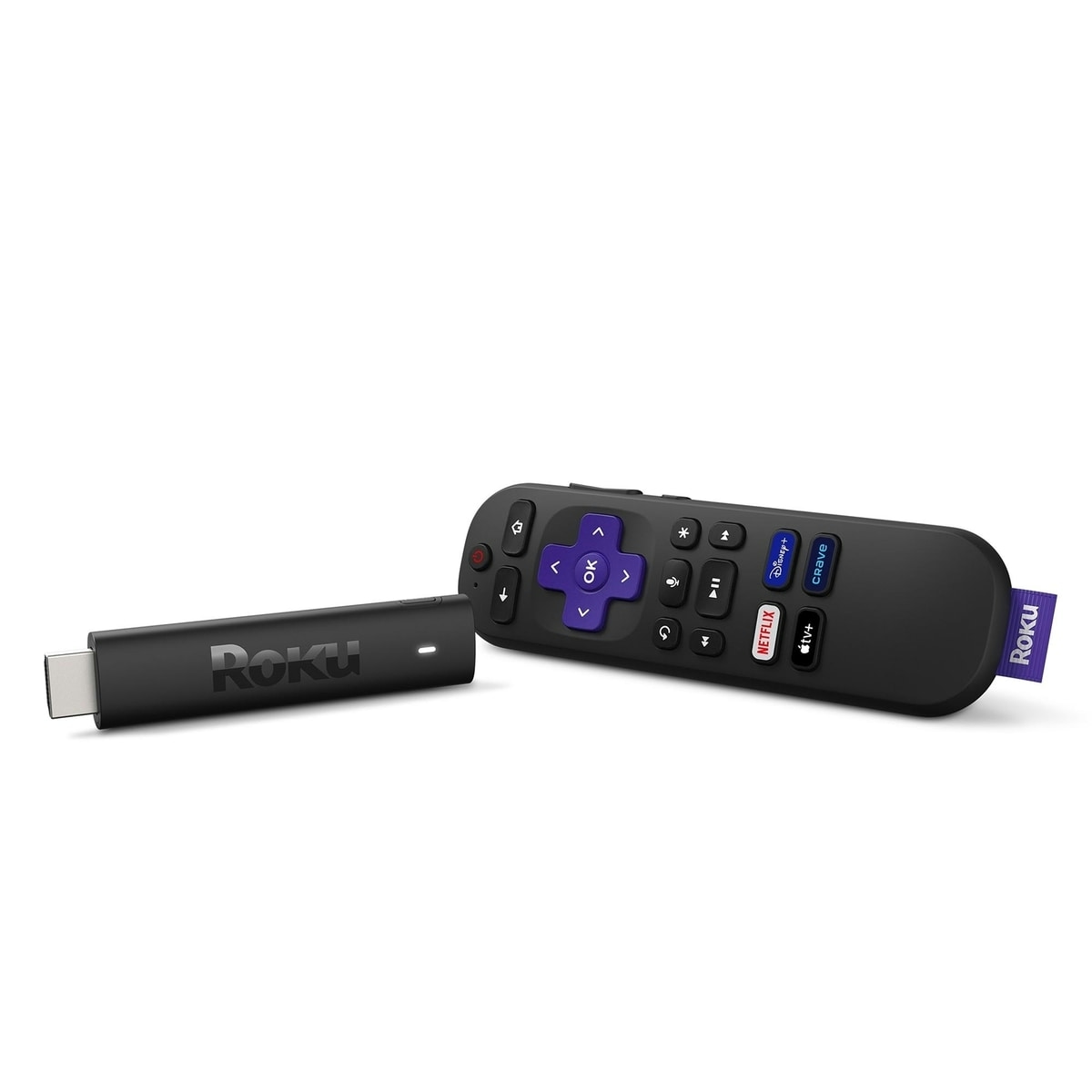
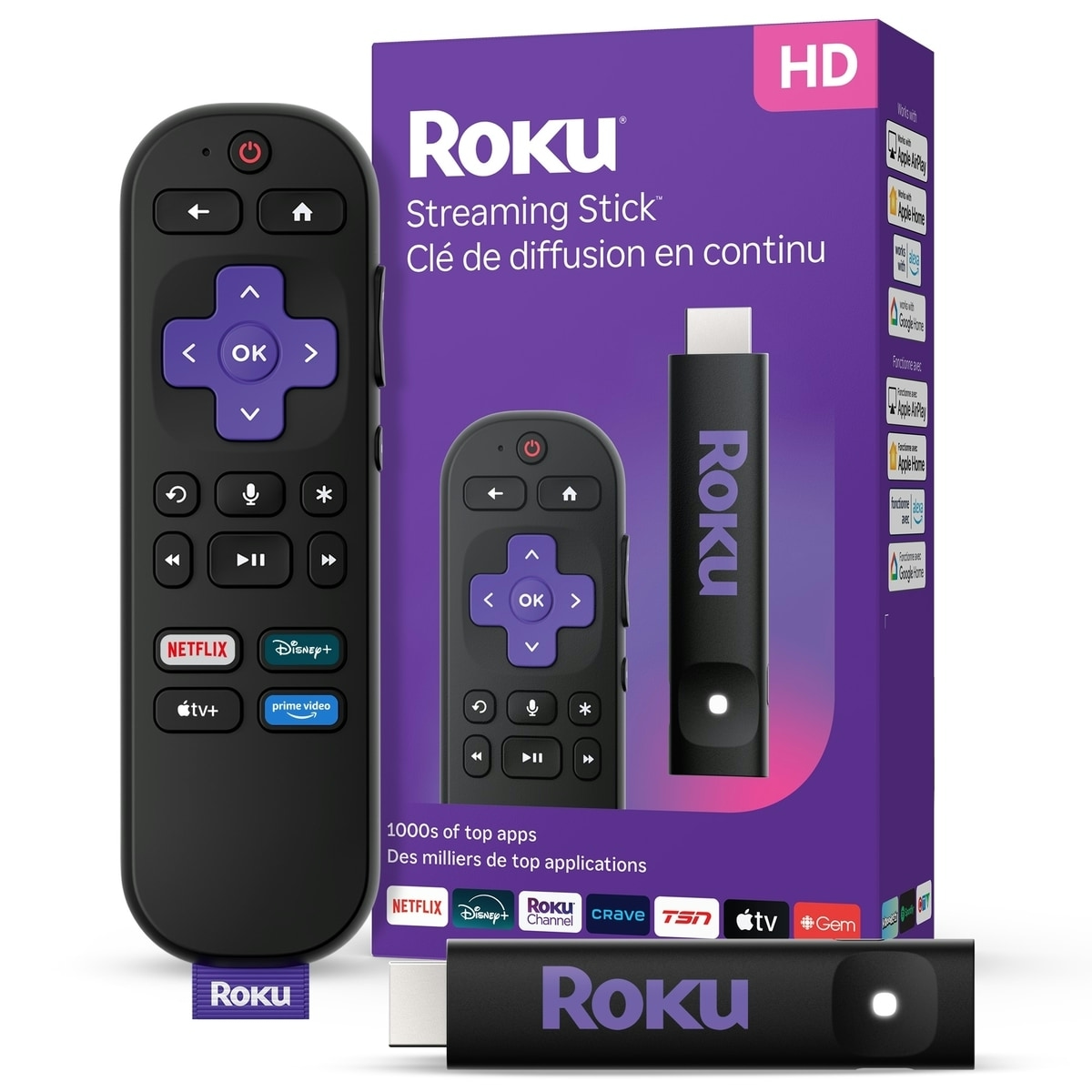
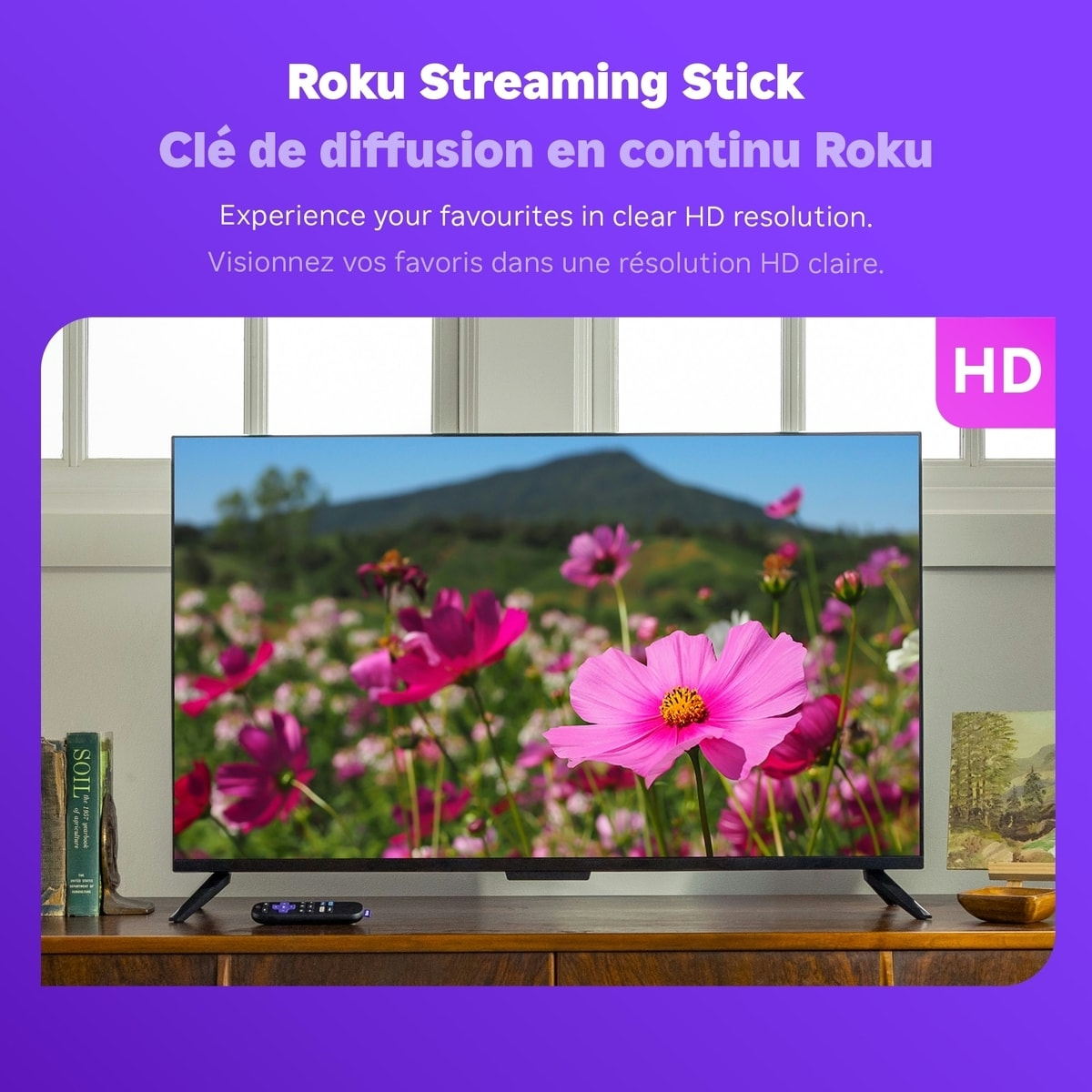
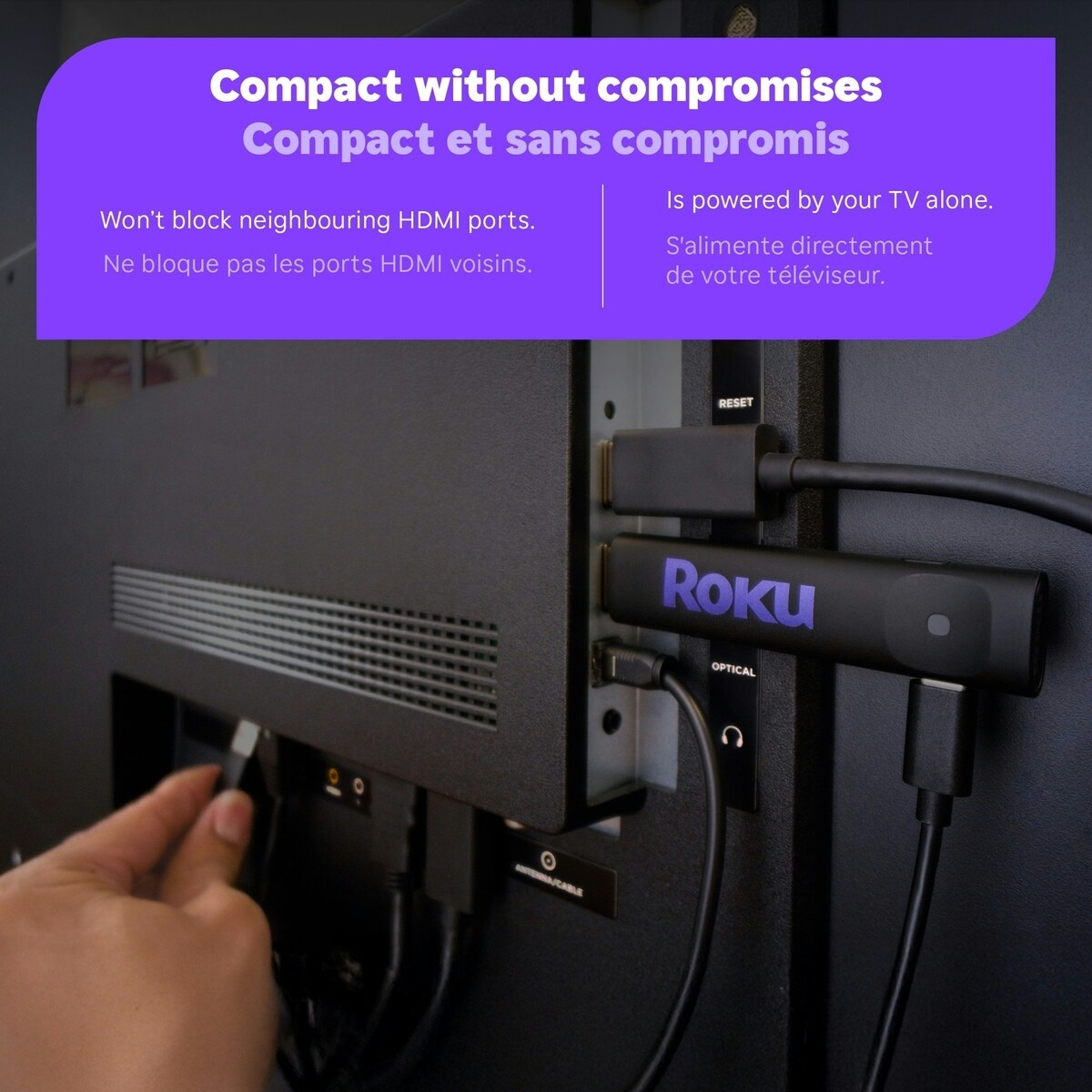
The Roku Streaming Stick 2025 – HD Roku Streaming Device for TV is the easiest way to upgrade any TV to Canada’s #1 TV streaming platform. Start streaming in a flash and enjoy a massive selection of free, live and premium TV. It powers directly from your TV, stays out of sight, and won’t clutter other HDMI ports. Based on hours streamed, Hypothesis Group.
What you get with this streaming stick
- Easily upgrade any HD TV to Canada’s #1 TV streaming platform, as measured by hours streamed
- Access 200+ TV channels with live news and weather, sport coverage and more
- Slim design plugs directly into your TV—no blocked ports, no power brick, no mess
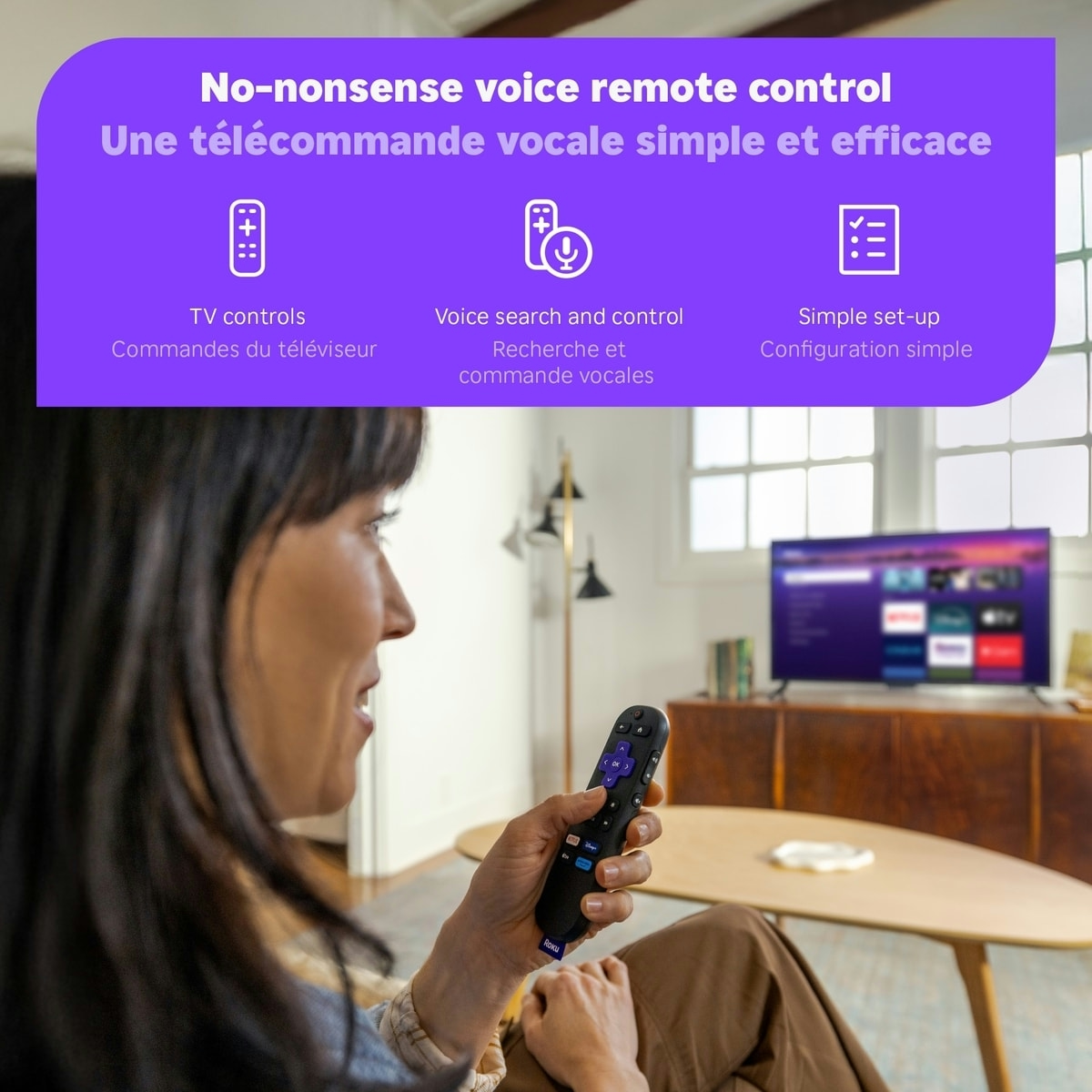
- Roku Voice Remote with TV controls for easy navigation and quick volume/mute access
Key components and why they matter
- Streaming Stick form factor — plugs directly into the HDMI port for a clean setup
- Roku Voice Remote with TV controls — simplifies searching and controlling playback
- Built to power from your TV — reduces clutter and keeps cables to a minimum
Usage tips and who this is for
This device is ideal for anyone looking to upgrade an existing HD TV to a streaming-first experience without bulky hardware. It’s suitable for households that want quick access to live TV channels, on-demand content, and a simple remote experience with TV controls. Follow the included product instructions for setup and operation. Keep away from small children to avoid misplacement of the remote.
Enjoy a compact, user-friendly streaming solution that stays out of the way while delivering a robust selection of channels and apps. The small form factor and direct power from the TV mean less clutter and more room for entertainment.
How to use the Roku Streaming Stick 2025 – HD Roku Streaming Device for TV
A simple 4-step setup to start streaming quickly and with TV controls at your fingertips.
-
Connect
Plug the streaming stick directly into an available HDMI port on your TV and power it from the TV.
-
Power on
Turn on your TV and switch to the HDMI input where the stick is connected.
-
Pair remote
Insert the included batteries in the Roku Voice Remote and follow prompts to pair it with the streaming stick.
-
Set up accounts
Follow on-screen steps to connect to Wi-Fi and sign in to your streaming accounts to access live channels and apps.
-
Safety and tips
Keep the device away from small children and follow the included instructions for optimal use; do not block other HDMI ports.
Frequently Asked Questions
What is the Roku Streaming Stick 2025 used for?
It upgrades any HD TV to Canada’s top streaming platform, giving access to free, live and premium TV with a slim, plug-in design and a remote with TV controls.
Who is this streaming device best for?
Home entertainment lovers who want quick streaming access, a compact setup, and a remote that can control their TV while providing a large channel selection.
What should I know about setup and usage?
Plug the stick directly into an available HDMI port on your TV and follow the on-screen instructions. This device powers from the TV and leaves other HDMI ports unobstructed.
Are there any safety or usage precautions?
Keep the device out of reach of small children. Follow the included product instructions for setup and operation.
Does it require a separate power adaptor?
No power brick is needed; the Streaming Stick powers directly from the TV.






Reviews
There are no reviews yet.