
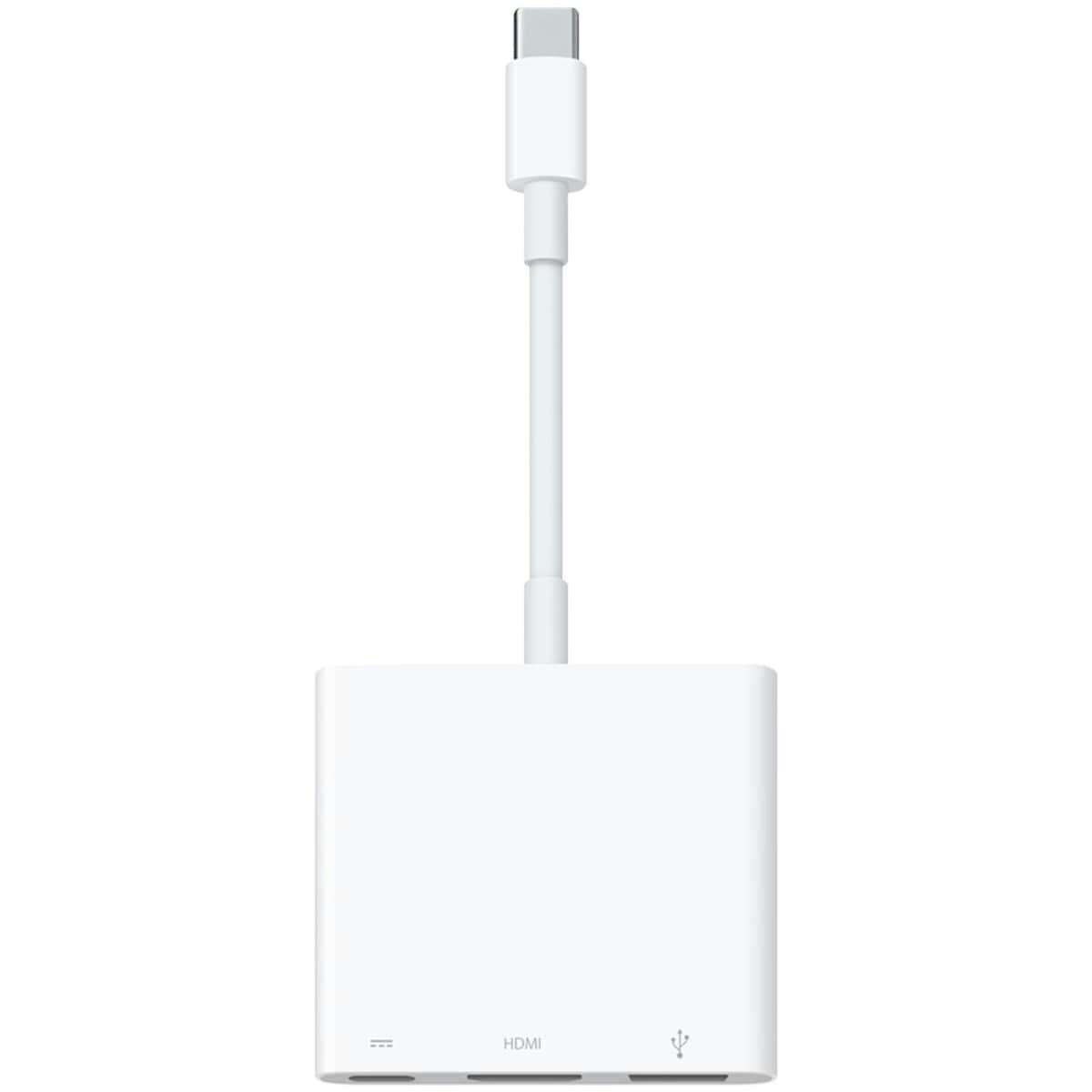
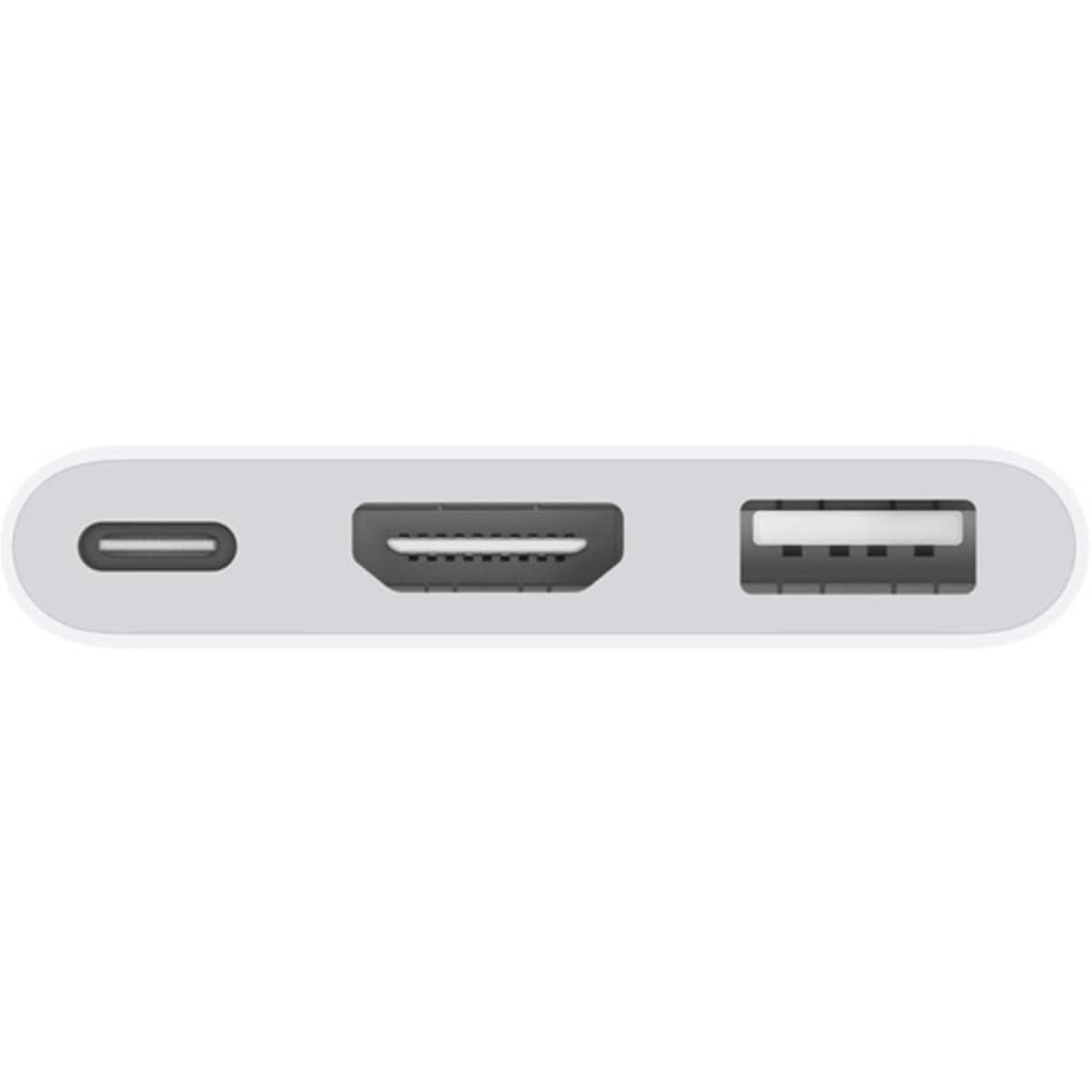
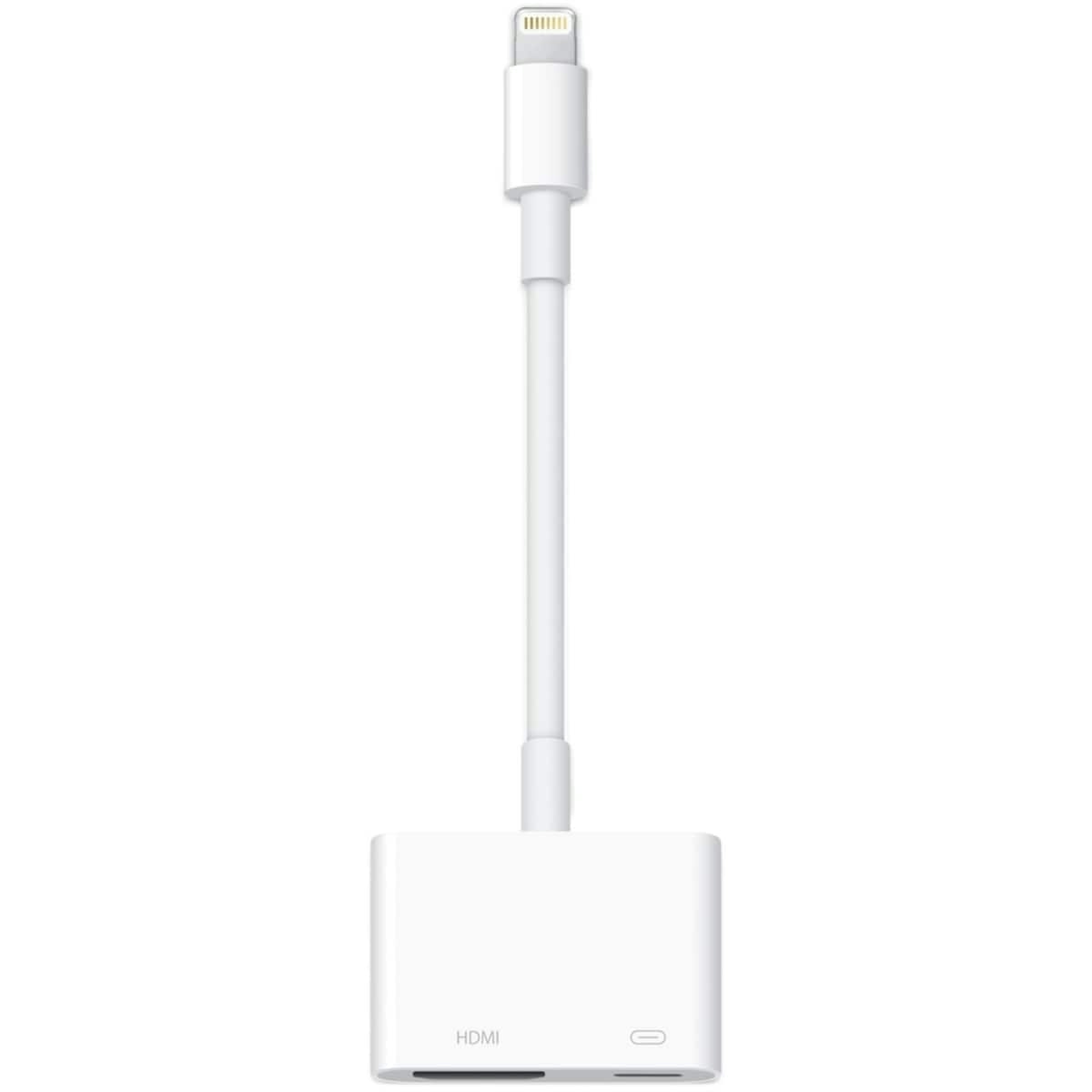
The Apple USB-C Digital AV Multiport Adapter lets you connect your USB-C-enabled Mac, iPad or iPhone to an HDMI display, while also connecting a standard USB device and a USB-C charging cable. This adapter allows you to mirror your USB-C-enabled Mac, iPad or iPhone to your HDMI-enabled TV or display.
Experience entertainment and more from Apple
Enjoy up to 3 months of Apple TV+, Apple Music, Apple Fitness+, Apple Arcade and Apple News+ on us* when you’re a member.
Open the app for these offers.
*New and qualified returning Apple subscribers only. Conditions apply.
What it does for you
- Simply connect the adapter to a USB-C or Thunderbolt 3 (USB-C) port on your Mac or select iPad model, then to your TV or projector via an HDMI cable (sold separately).
- Use the standard USB port to connect devices like your flash drive or camera, or a USB cable to sync and charge your iOS devices.
- Requires an HDMI cable (sold separately) to connect to your TV or projector. Supports both video and audio output.
Key features and benefits
- HDMI display mirroring for compatible devices, enabling high-definition video and audio output.
- USB port for connecting standard USB devices such as flash drives or cameras.
- USB-C charging passthrough to keep your connected device powered while you work or play.
Ingredients / components
- HDMI compatibility — supports video and audio output to HDMI displays.
- USB-A port — enables connection of standard USB devices for data transfer or peripheral use.
- USB-C charging passthrough — allows charging of your host device while in use.
Usage tips / who this is for
Best for Mac or iPad users who want a single accessory to drive an external display while also connecting USB accessories and charging their device.
Plan on using an HDMI cable (sold separately) to connect to your TV or projector. This adapter does not include the HDMI cable.
Follow the included product instructions for setup and usage.
Closing notes
The Apple USB-C Digital AV Multiport Adapter combines video output, USB connectivity and charging passthrough in one compact accessory, designed for versatile home and office setups.
How to use the USB-C Digital AV Multiport Adapter
A quick setup to mirror your device to a display while powering and using USB peripherals.
-
Connect to a USB-C port
Plug the adapter into a USB-C or Thunderbolt 3 (USB-C) port on your Mac or iPad.
-
Attach your HDMI display
Connect an HDMI cable (sold separately) from the adapter to your TV or projector.
-
Add USB peripherals
Insert a standard USB device into the USB-A port to access files or connect peripherals.
-
Charge while you use
If needed, connect a USB-C charging cable to the adapter to power your host device.
-
Test and finalize
Turn on the display and select the correct HDMI input to mirror or extend your screen. Follow the included product instructions for any device-specific steps.
Frequently Asked Questions
What devices are compatible with this adapter?
The adapter works with USB-C or Thunderbolt 3 (USB-C) ports on Mac or select iPad models to connect to HDMI displays.
Does it support audio and video output?
Yes, the adapter supports both video and audio output over HDMI to your TV or projector.
Can I charge my device while using the adapter?
Yes, the USB-C charging passthrough allows you to charge your host device while connected to HDMI and USB peripherals.
What accessories do I need to use it?
An HDMI cable is required to connect to a TV or projector (sold separately).
Is there any safety or usage caution I should know?
Follow the included product instructions for setup and usage. Do not use with non-supported devices. Keep away from liquids and disconnect if damaged.






Reviews
There are no reviews yet.