
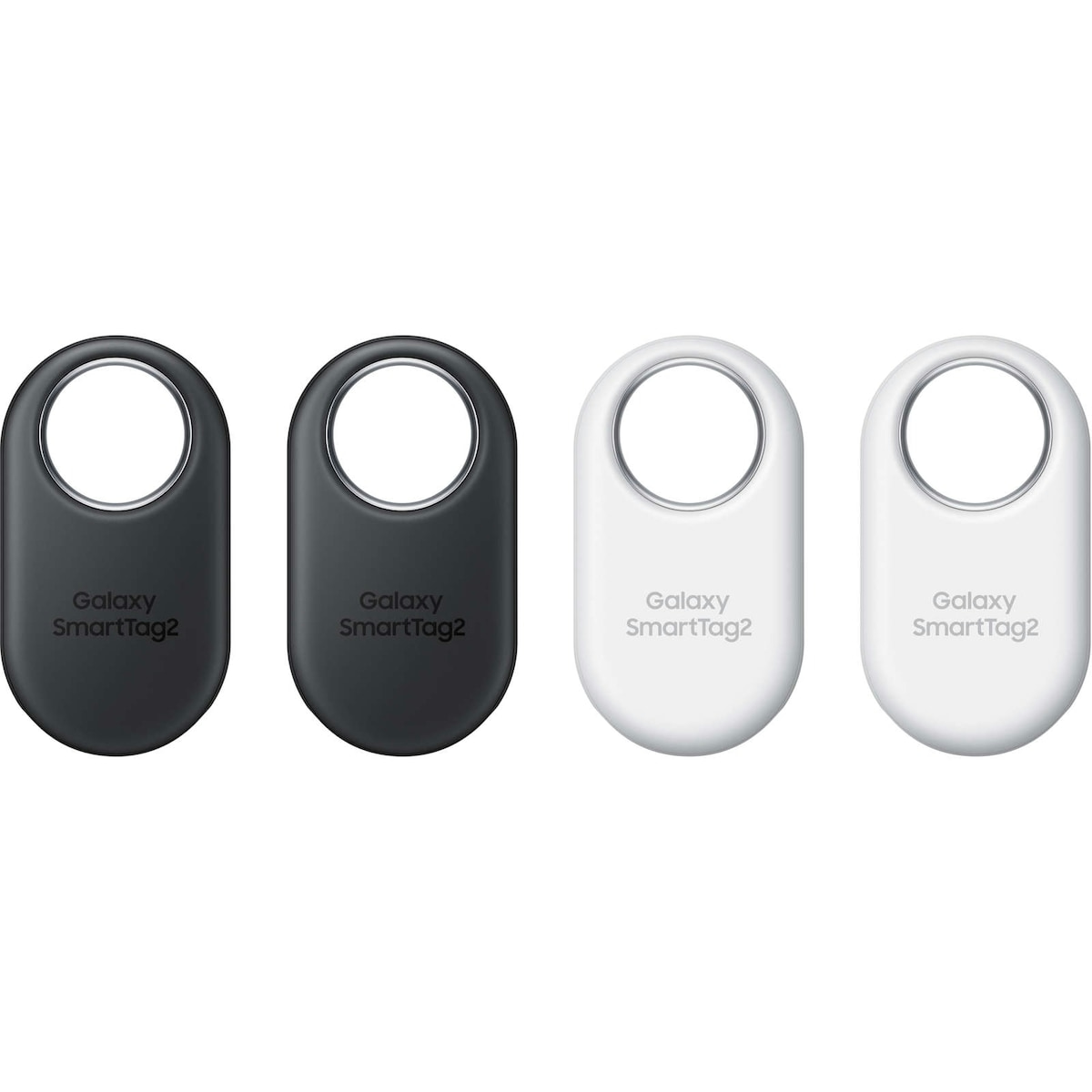
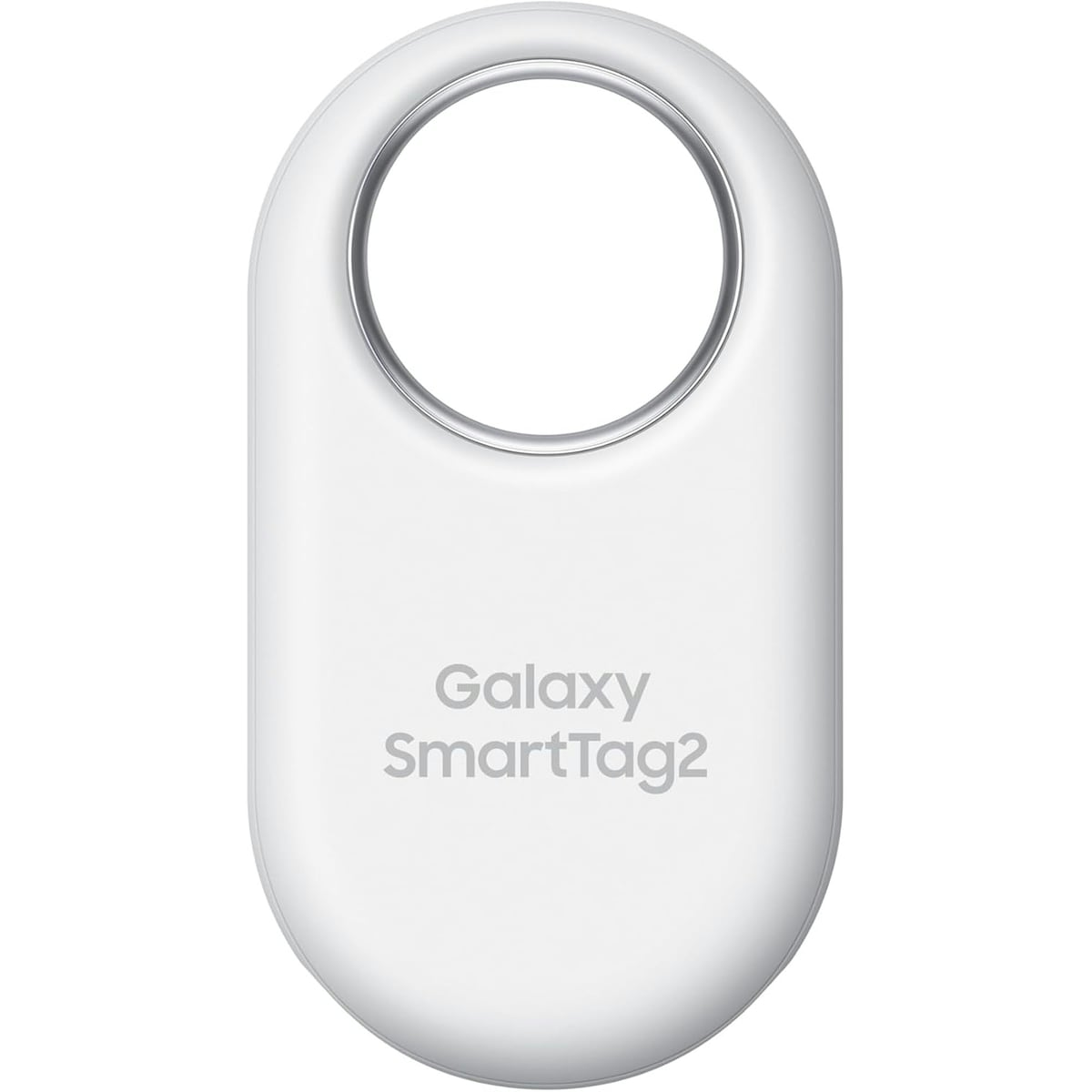
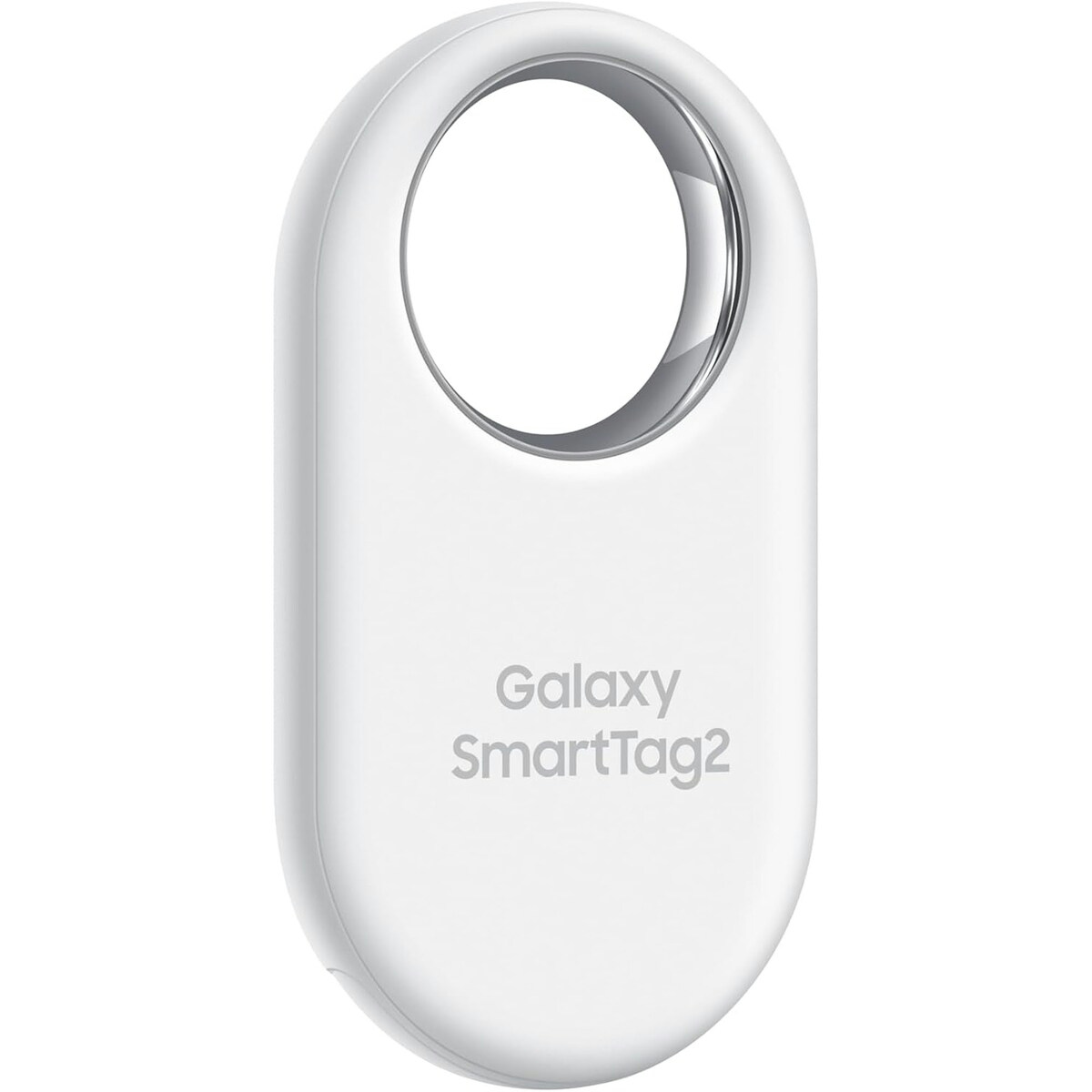
The Samsung Galaxy SmartTag2 Bluetooth Tracker 4 Pack Black/White helps you quickly locate your personal items using Bluetooth and NFC technology. This compact tracker attaches to keys, bags, or even pets, and uses a distinctive ringtone to guide you to items in close proximity when you tap the ring button on your mobile device. Designed for everyday organization, it works seamlessly with the SmartThings app to keep track of what matters most.
Key benefits
- Bluetooth 5.3 for enhanced connectivity and improved locating accuracy.
- Galaxy Find Network supports locating items even when offline by using scanned data privately.
- AR Finding guides you step-by-step to your lost item with augmented reality cues.
- SmartThings app integration enables easy management and real-time location updates.
- One compact device can be attached to keys, bags, or pets for versatile tracking.
Key components and what they mean for you
- Bluetooth 5.3 — provides robust wireless connectivity and more accurate proximity-based locating.
- Galaxy Find Network — allows locating your item even when offline, while keeping data private.
- AR Finding — visual guidance via augmented reality to simplify the search process.
- SmartThings app — central hub to manage and track your devices (requires installation).
Usage tips and who this is for
This tracker is ideal for anyone who wants a reliable way to find belongings like keys, backpacks, or even pets. To locate an item, remotely check its location in the SmartThings app and trigger a notification sound on the product. If you’re far away, you can be guided to the location with route directions. If you misplace your phone, you can press the tracker button twice to make your connected mobile device sound.
Important: For locating a mobile device, use the two-press feature on the tracker button to prompt the phone to ring. Follow the on-device prompts to stop the ringtone. Follow the included product instructions for any additional setup steps via SmartThings.
Attached to an everyday item, this device helps you stay on top of where things are, reducing the stress of misplacement and enabling a quicker return to your routine.
NOTE: This is not a standalone GPS device; it relies on nearby network and app-based locating features to help you find your item. Follow the included product instructions for setup and usage.
How to use Samsung Galaxy SmartTag2
A concise guide to locating your items with the 4 Pack Black/White variant, using Bluetooth, Find Network, and AR Finding via SmartThings.
-
Charge and pair
Ensure the device is attached to your item and pair it with the SmartThings app as directed in the setup instructions.
-
Locate from app
Open SmartThings, select Devices, tap your tracker card, then View map to see current location and use the sound option to locate nearby items.
-
Find when offline
If the item is out of direct Bluetooth range, rely on Galaxy Find Network to locate it privately when other nearby devices scan for it.
-
Find your phone
If your phone is not connected, press the tracker button twice to trigger your phone to ring and locate it quickly.
-
Safety and care
Follow all included instructions for setup and usage, and keep the device away from extreme heat or damp environments not specified in the data.
Frequently Asked Questions
What can I track with the Galaxy SmartTag2?
You can attach it to keys, bags, or even your pet to help locate nearby items. The device uses Bluetooth 5.3 and the Galaxy Find Network to assist in finding items when they’re nearby or offline.
How do I locate a misplaced item?
Open the SmartThings app, tap Devices, select your tracker card, and tap View map to see its location. You can also trigger a distinctive ringtone on the tracker to guide you to the item in close proximity.
Is this safe for use around children or pets?
The data provided describes Bluetooth-based tracking and app integrations. Follow the included instructions and supervise usage around children or pets, and use the device as intended for locating belongings rather than for medical or safety claims.
What should I do if I can’t find my phone?
If the phone is not connected to the tracker, press the tracker’s button twice to make the connected mobile device sound its ringtone. Follow the on-screen prompts or press the button twice again to stop the ringtone.






Reviews
There are no reviews yet.