
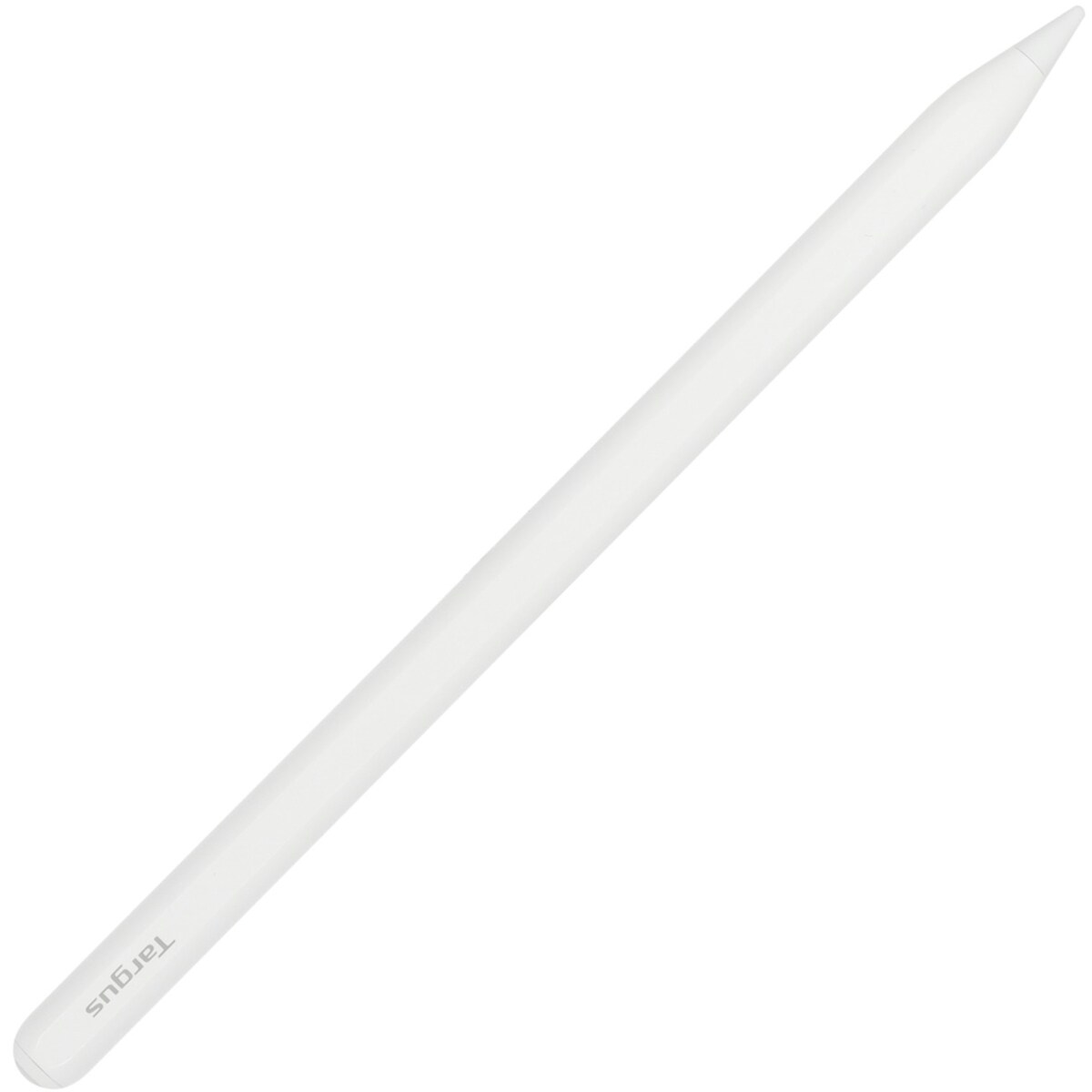
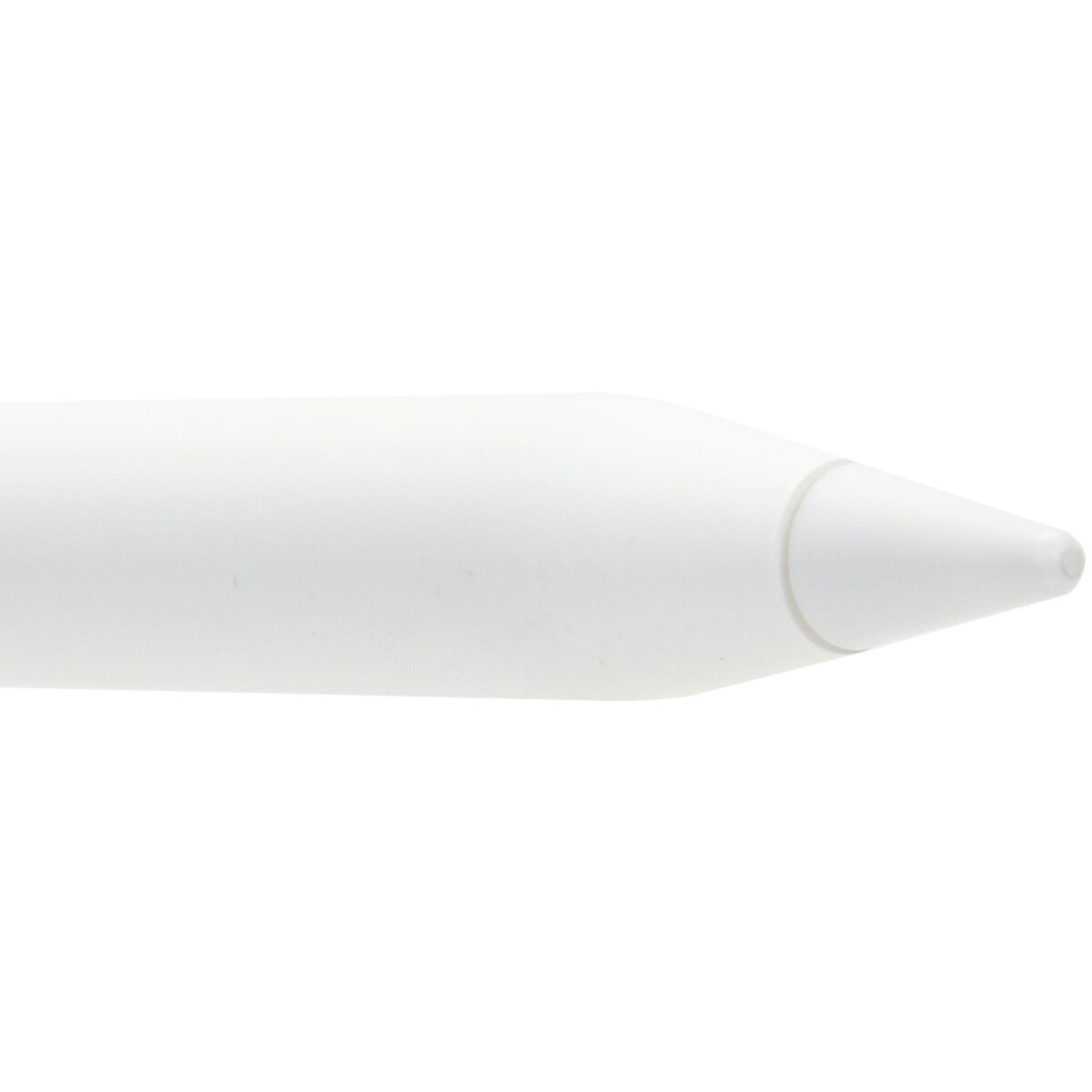
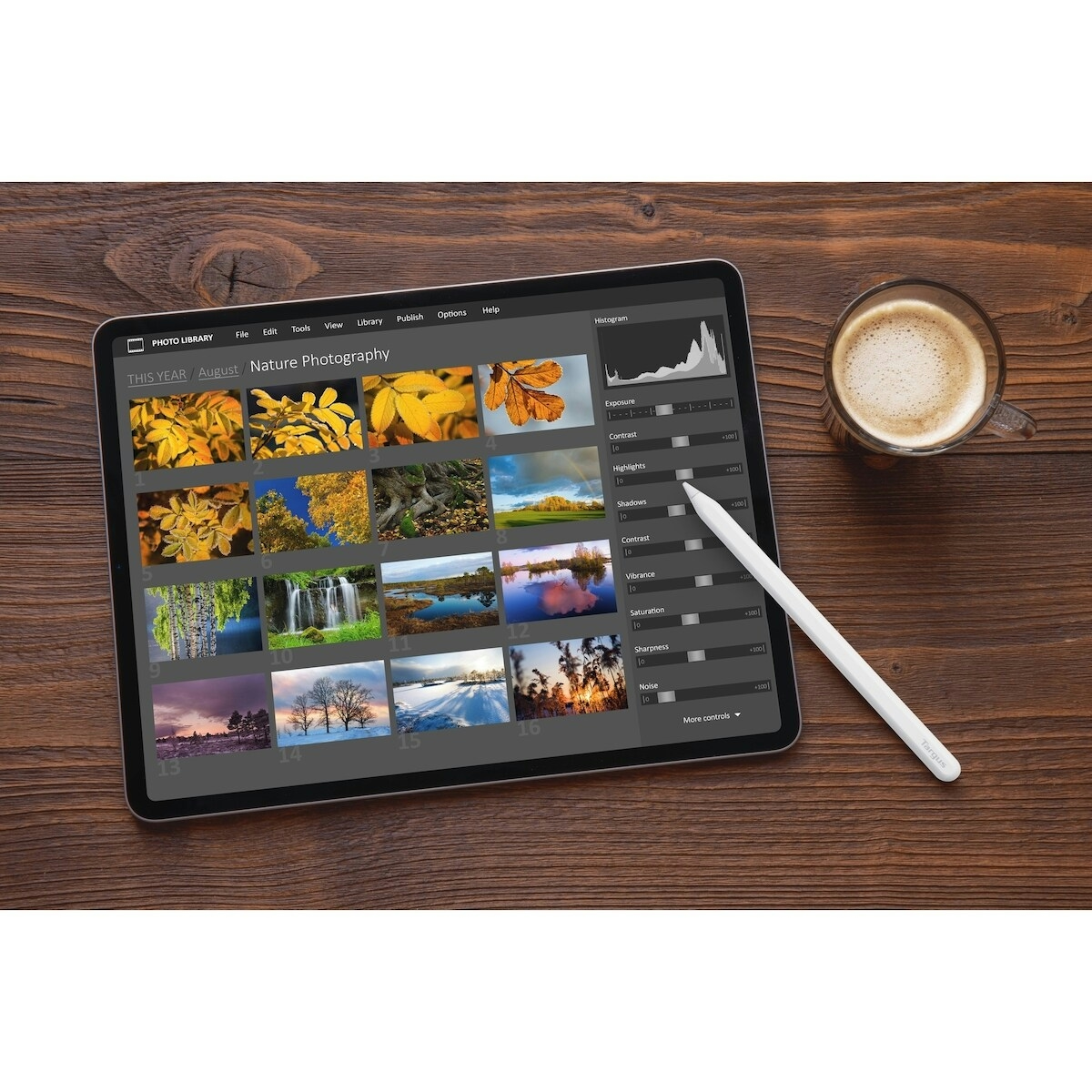
The Wireless iOS Stylus from Targus is a high‑precision, battery‑powered pen designed for iPads that support wireless charging for stylus. This active stylus lets you take notes, doodle, or navigate your iPad with ease, delivering a fluid writing experience and intuitive controls for everyday tasks. Created for people who use their iPad for work, study, or creative projects, it combines smart features with reliable performance to help you stay productive on the go.
Key benefits
- Magnetic wireless attach design keeps the stylus securely stored and charging when not in use, so it’s always ready for action.
- Bluetooth onscreen power display shows battery status directly on your iPad screen, helping you plan recharges before your next session.
- Palm rejection lets you rest your hand on the screen while writing or drawing, reducing stray marks and interruptions.
- Tilt and pixel precision provides accurate line weight and fine detail for sketches, notes, and annotations.
- No pairing required means instant setup and minimal friction to start using on your iPad right away.
- One-piece body with 1:1 Apple Pencil size and compatibility with original Apple Pencil tips (tips sold separately) for familiar feel and performance.
- 90-minute charging time supports 10 hours of continuous work and 180 days of standby time, apt for long sessions between charges.
- Works with iPads that support wireless charging for stylus, including iPad Pro 12.9-in. and 11-in., iPad Air 5 and 4, and iPad mini, ensuring broad compatibility across recent models.
- Compatible with Targus Tablet Cases for convenient integration into your existing accessories setup.
Key components and how they help
- Wireless charging capable active stylus core ensures power is replenished when magnetically attached, extending usage time between charges.
- 1:1 Apple Pencil size matches the familiar grip and balance you enjoy when using the original pencil, helping you write naturally.
- Original Apple Pencil tip compatibility allows you to swap tips for the precise feel you prefer (tips sold separately).
- Battery design supports 10 hours of continuous work, keeping you productive through long sessions without frequent recharges.
Usage tips and who this is for
This stylus is ideal for students, professionals, and creatives who rely on their iPad for note‑taking, sketching, and navigation. It is designed for iPads that support wireless charging for stylus, including popular Pro, Air, and mini models. For best results, attach magnetically when not in use to keep the device charged and ready. If you plan a long project, monitor the battery via the onscreen display to avoid interruptions.
Storage and care: avoid dropping the stylus and store it in a safe place when not in use. If you need a replacement tip, look for original Apple Pencil tips sold separately to maintain the same drawing experience.
Compatibility notes: this product works with Targus Tablet Cases, so you can pair it with your existing protective accessory without sacrificing performance.
By choosing this active stylus, you’re selecting a purpose‑built tool designed to help you write, sketch, and navigate more precisely on your iPad.
How to use Wireless iOS Stylus
A quick, practical guide to get you drawing and navigating on your iPad in minutes.
-
Attach and power
Magnetically attach the stylus to the iPad to begin charging. The on‑screen Bluetooth display will show the power status.
-
Start drawing or note taking
Tap or begin writing in your preferred app. Take advantage of palm rejection to rest your hand while you sketch or write.
-
Swap tips if needed
If you use a specific stroke feel, consider swapping to an original Apple Pencil tip (sold separately) for 1:1 size and feel.
-
Charge and store
When finished, detach and store magnetically to maintain charge. Charging time is about 90 minutes for up to 10 hours of use.
-
Safety and care
Follow the product instructions for usage. Keep away from small children and avoid impacts that could damage the stylus.
Frequently Asked Questions
Is this stylus compatible with my iPad?
It works with iPads that support wireless charging for stylus, including iPad Pro 12.9-in. and 11-in., iPad Air 5 and 4, and iPad mini. Ensure your device supports wireless charging for stylus to use the magnetic charging feature.
Does it require pairing with Bluetooth before use?
No pairing is required. The stylus connects via wireless charging and Bluetooth display for power status, allowing immediate use after attaching.
What happens if the battery runs low?
The device supports a 90-minute charging time and provides up to 10 hours of continuous work or 180 days standby time, helping you plan around long sessions.
Can I use this with Apple Pencil tips?
Yes, it accepts original Apple Pencil tips (sold separately), offering compatibility with your preferred tip for personal feel and precision.
Is this safe for kids to use?
Follow the included product instructions for usage and keep out of reach of children when not supervised. This device is designed for use with compatible iPads and does not include child‑specific safety warnings beyond standard caution with electronics.






Reviews
There are no reviews yet.